How to Change the Default ERA
To change the default ERA:
1. As supervisor (see How to Log in as Supervisor on page 241):
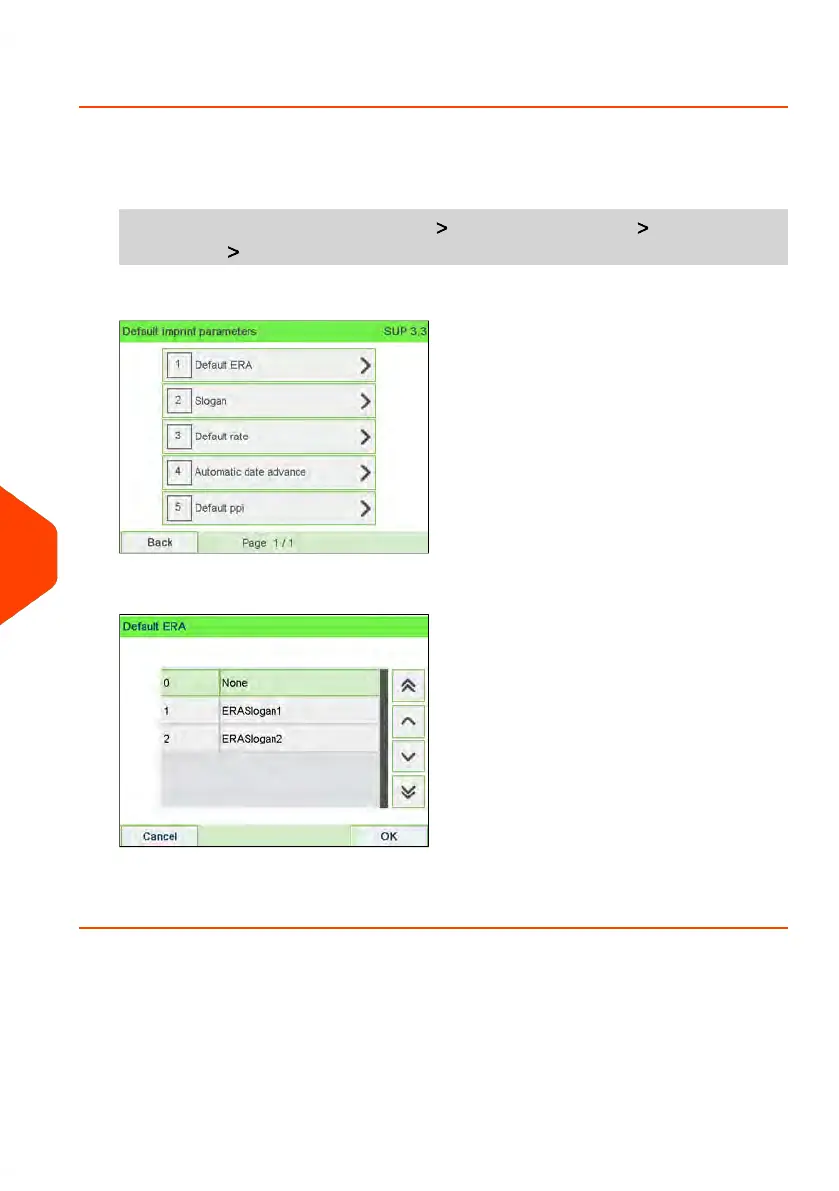
From the main menu, select the path: Default user settings Default Imprint
Parameters Default ERA
2. Select the default ERA and press [OK] to validate.
See also
• Managing ERAs on page 310
274
| Page 274 | Jun-22-2021 11:01 |
10
Configuring your Mailing System















 To Next Page