Job Memories10.8
The Job Memories are presets for your imprint types.
As a user, you can quickly recall a saved setting to simplify operation and save time
(see Using Job Memories on page 115).
As supervisor, you can create, edit/modify or delete a Job Memory.
Each Job Memory is identified by a name and a number.
The system displays on the home screen the name of the current Job Memory.
How to Create a Job Memory
• Normal Job Memory: ERA, Slogan, Rate, Account Number
(if any).
• PPI Job Memory: ERA, Slogan, PPI, Account Number (if
any).
To create a job memory:
1. As supervisor (see How to Log in as Supervisor on page 241):
From the main menu, select the path: Job Memory management
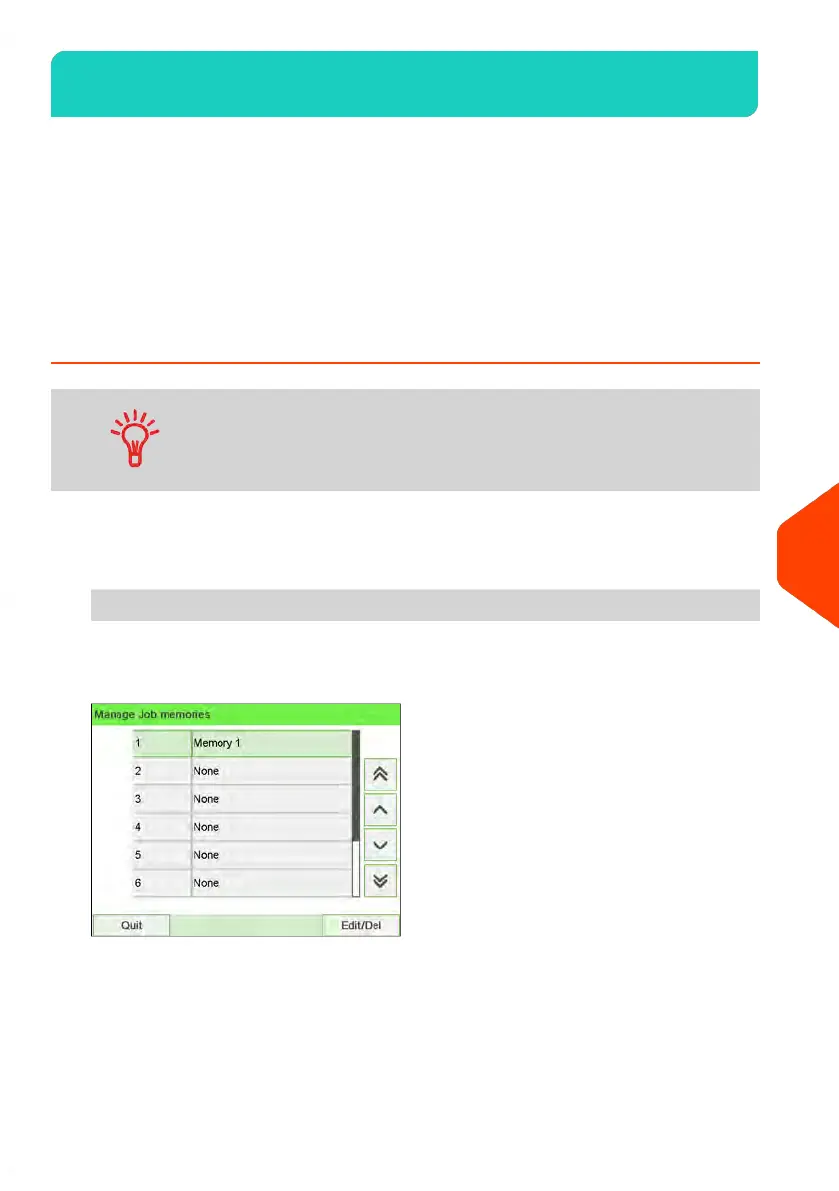
The current list of job memories is displayed in the Job memories screen.
277
| Page 277 | | Jun-22-2021 11:01 |
10
Configuring your Mailing System















 To Next Page