How to Enable / Disable the Beeps
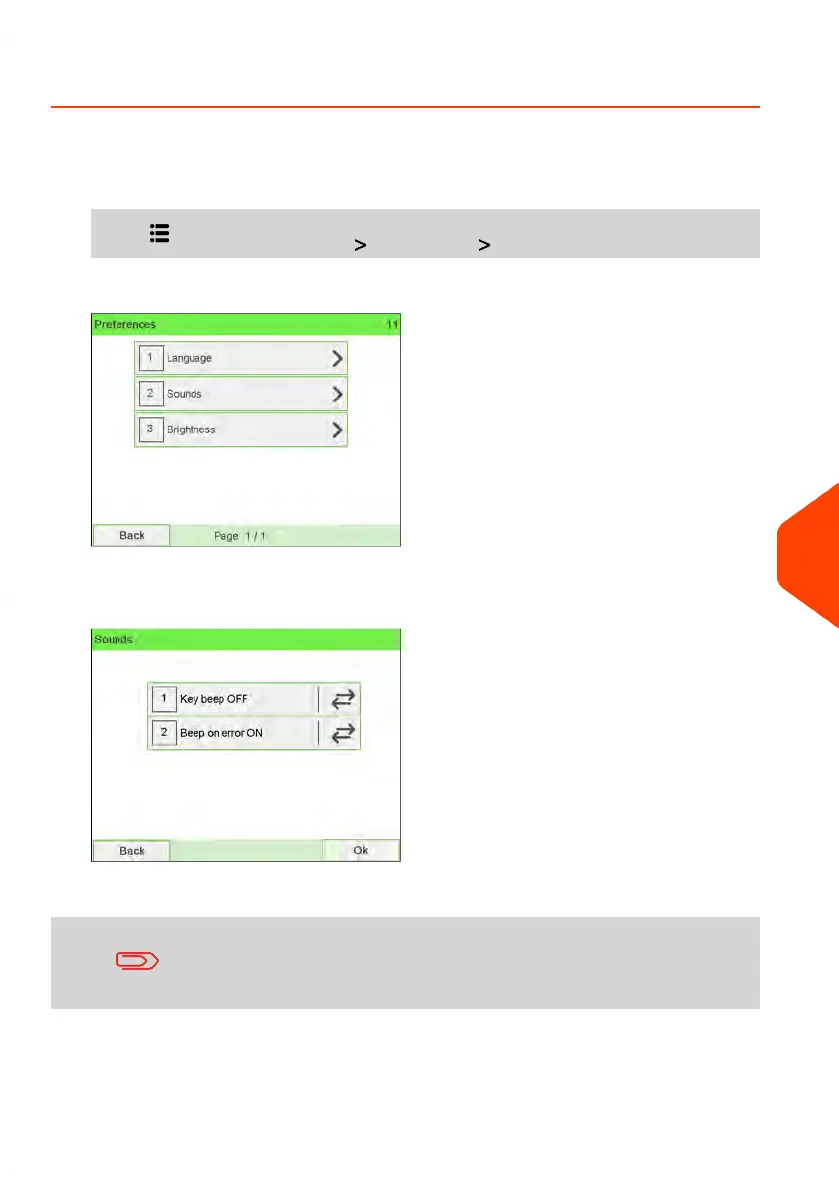
To enable or disable the beeps:
1. As a user:
Press and select the path: Preferences Sounds
2. Select Beep on key ON/OFF and/or Beep on error ON/OFF to enable/disable the
sounds.
3. Press [OK] to validate.
This is a user setting that only lasts as long as you are logged
in.
To change the sounds by default:
10
Configuring your Mailing System
247
| Page 247 | Jun-22-2021 11:01 |















 To Next Page