Managing Groups6.6
Group Settings
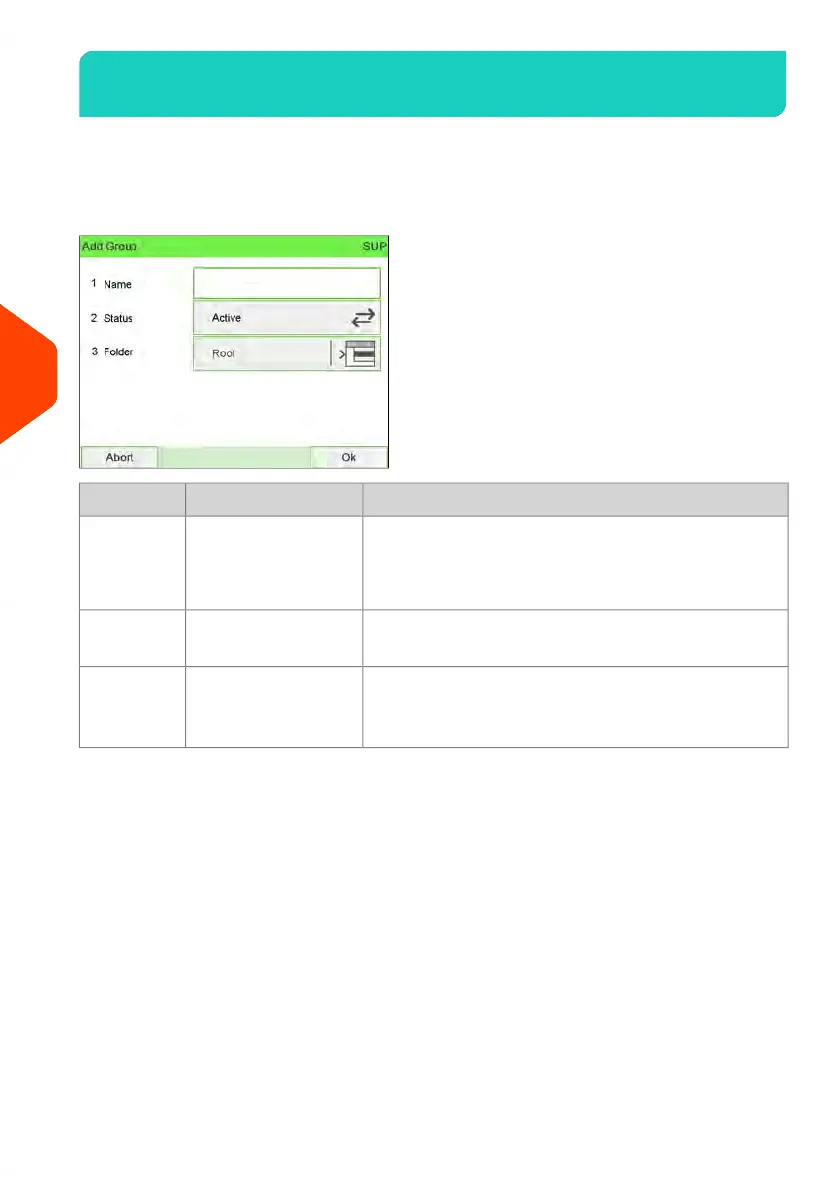
A Group or Subgroup has the following settings, displayed on the Add Group screen:
DescriptionFormatSetting
Name that you will use when assigning Groups or
Subgroups of Accounts to Operators.
This name has to be unique.
32 Alphanumeric
characters
Name
If a Group is not active, the corresponding Accounts
are not visible. Users cannot select these Accounts.
Active / InactiveStatus
Name of the Parent Group:Name of a Group or
Root
Folder
• For a Group: Root
• For a Subgroup: a Group Name
158
| Page 158 | Jun-22-2021 11:01 |
6
Accounts and Access Control















 To Next Page