How Set the Current Sealing Mode
As a user, you can change the current sealing state as follows.
To change the sealing Mode:
1. As a user:
Press and select the path: Batch settings Sealing
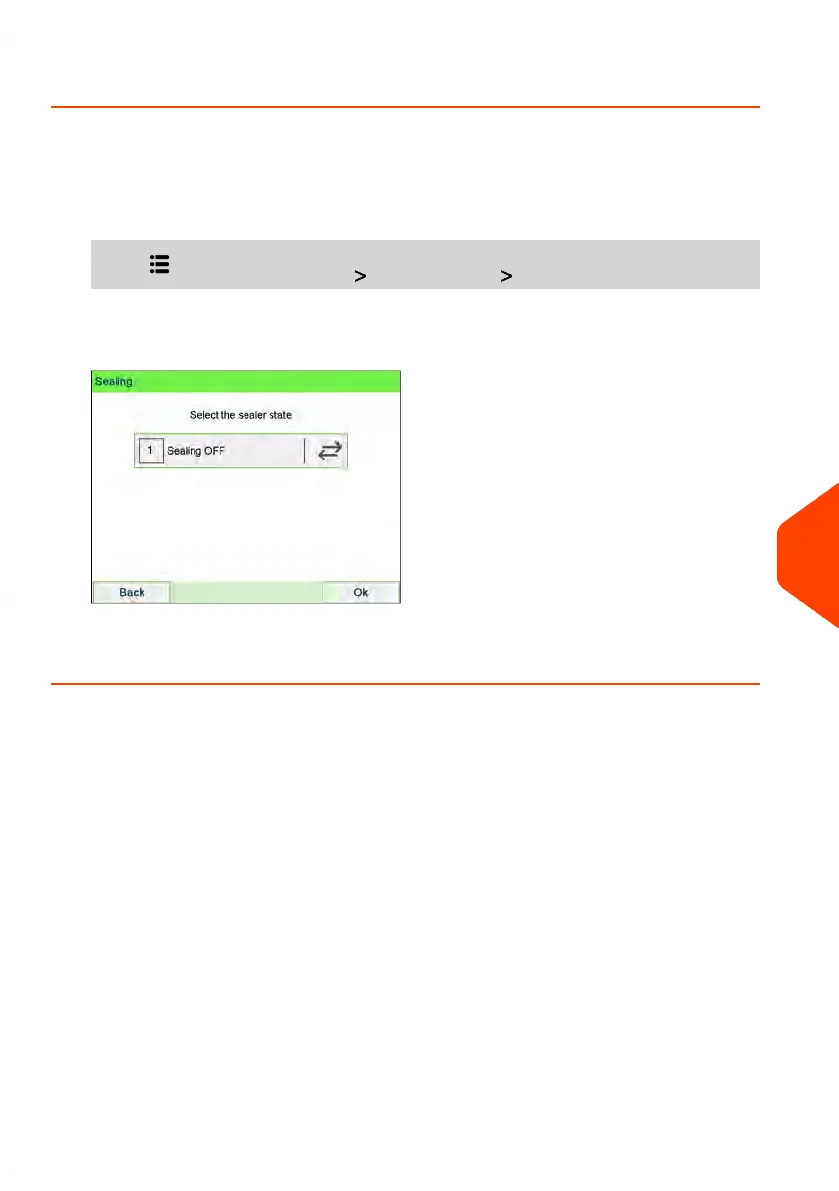
The Sealing screen is displayed.
2. Tap Sealing ON/ Sealing OFF to change the sealing state and press [OK] to
validate.
10
Configuring your Mailing System
283
| Page 283 | Jun-22-2021 11:01 |















 To Next Page