4. Change the slogan name using the keypad and press [OK].
The system updates the slogan list.
How to Delete a Slogan
To delete the slogan:
1. As supervisor (see How to Log in as Supervisor on page 241):
From the main menu, select the path: Option and Updates Update Slogan
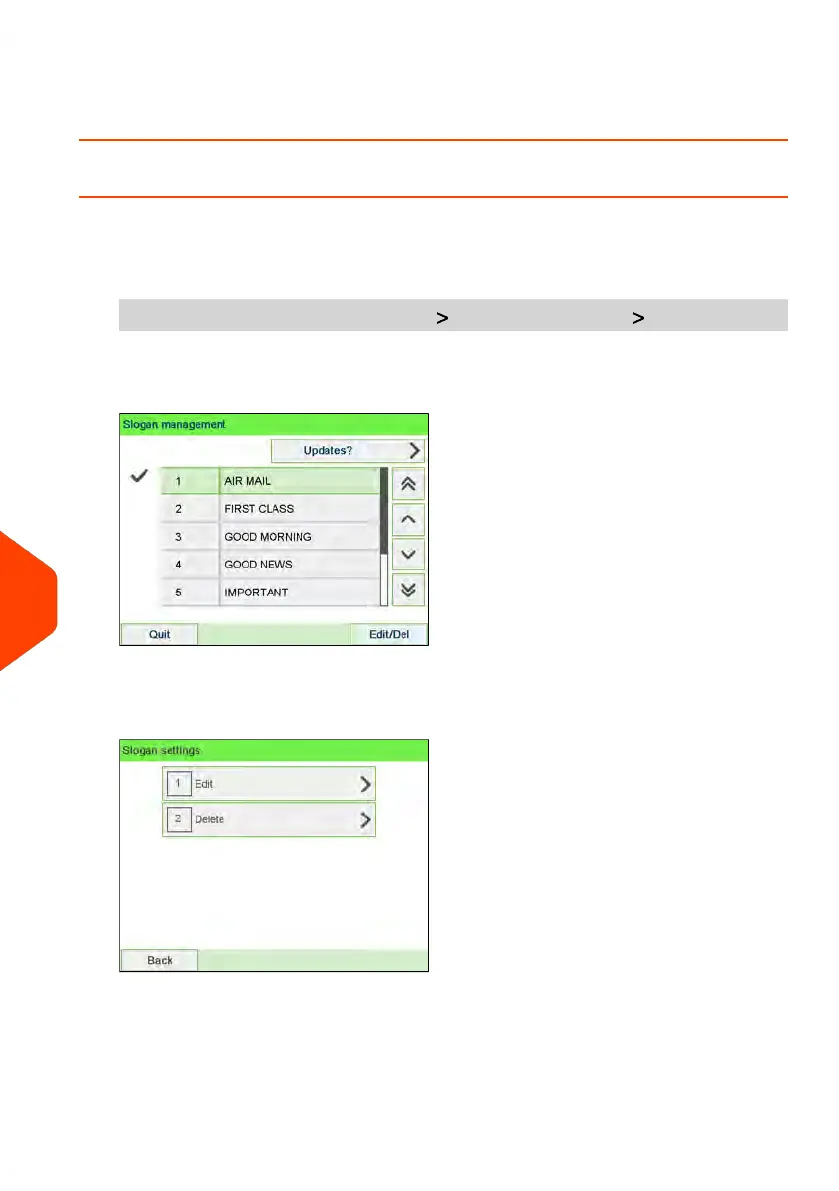
The list of Slogans is displayed in the Slogan management screen.
2. Select the slogan and press [OK].
The Slogan setting menu is displayed.
308
| Page 308 | Jun-22-2021 11:01 |
11
Options and Updates















 To Next Page