Do not lean on or leave any object on the Dynamic Scale
Platform as it may alter its weighing accuracy.
How to Clear a Label Jammed in the Base
ActionsPossible causes
Clear the label as indicated below.
A label is blocked in the Automatic
Label-Dispenser or in the transport
mechanism of the system base.
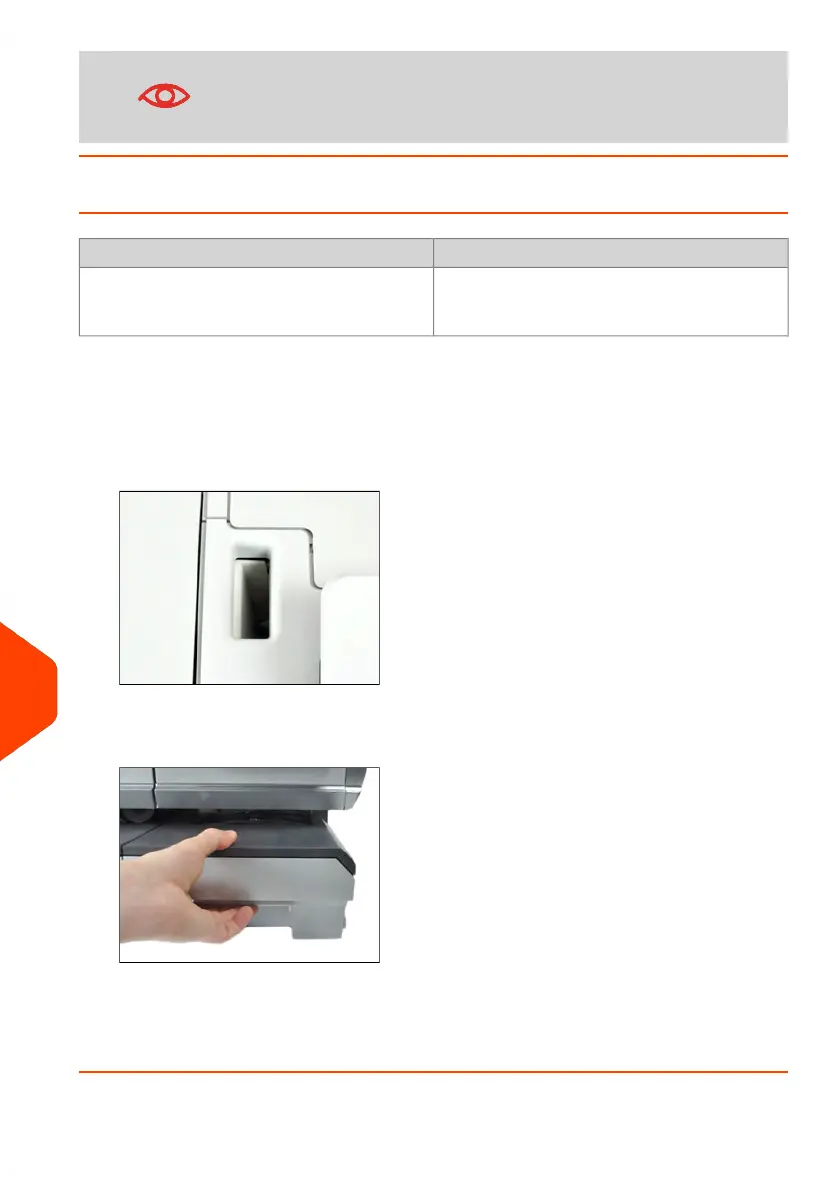
To clear a label jammed in the Base:
1. Remove all labels from the dispenser.
Check that there is not label stuck in the bottom of the dispenser.
2. Pull the release handle located underneath the base to lower the transport belts
and wheels. Hold the handle.
3. Using your other hand, remove the jammed label.
4. Release the jam release handle to put the transport belt and wheels back into
position.
358
| Page 358 | Jun-22-2021 11:01 |
13
Troubleshooting















 To Next Page