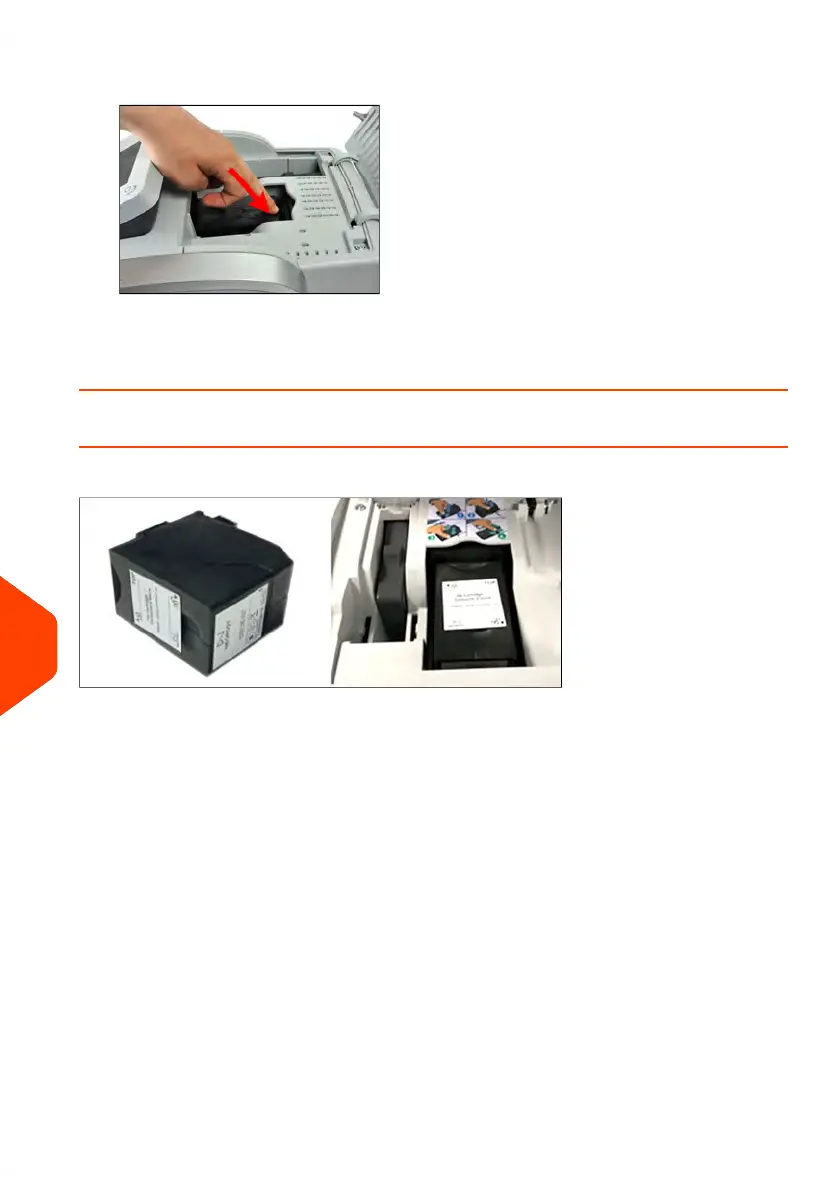
6. Insert the new ink cartridge, and then push it forward until you hear the click.
7. Close the cover.
The alignment process of the cartridge starts automatically.
How to Display Ink Level and Cartridge Data
Ink Cartridge Data includes information such as consumption and date installed.
To display the ink cartridge data (as a User):
328
| Page 328 | Jun-22-2021 11:01 |
12
Maintaining















 To Next Page