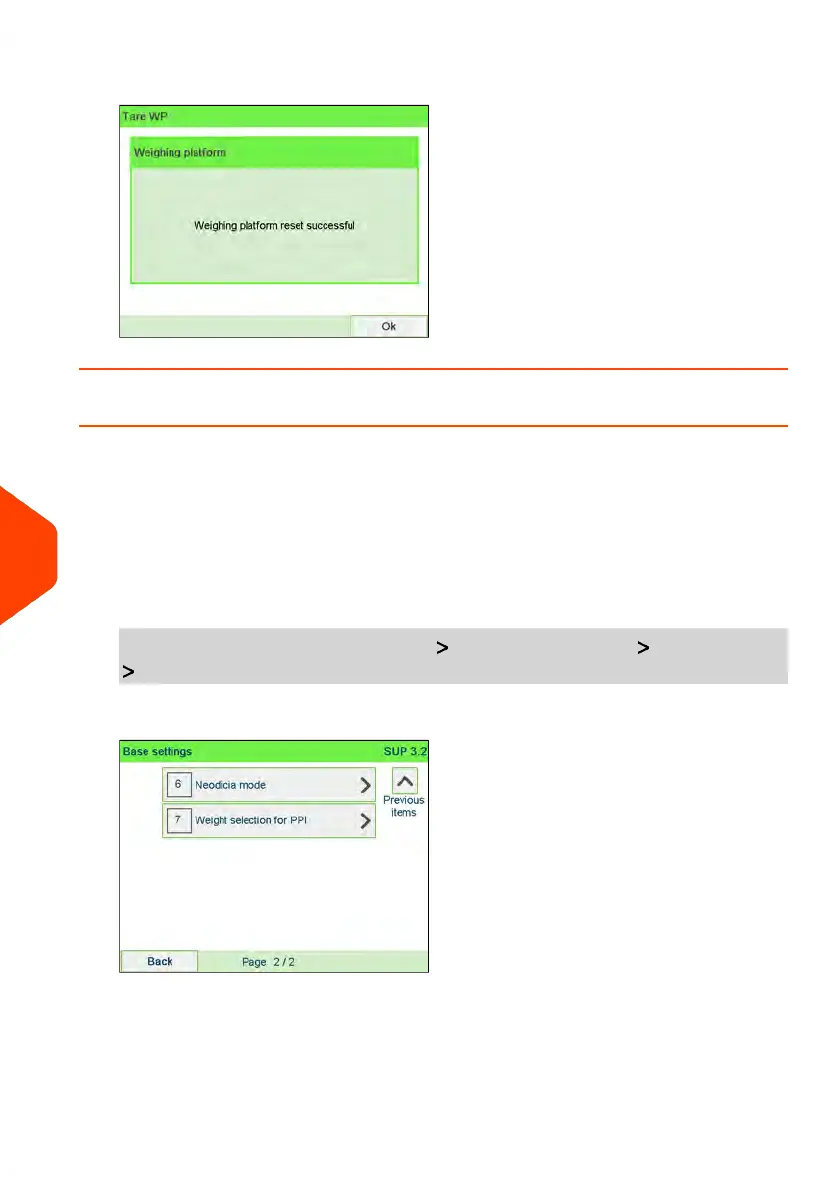
3. Press [OK] to tare the Weighing Platform.
How to activate / de-activate Checking On Zero Weight
The function Zero Weight can be activated/de-activated by the supervisor.
When the function is de-activated, the [PPI] type of imprint may not be captured. The
weight values in the PPI Report may then be inaccurate (inaccurate averages for
instance).
To activate/de-activate 'Checking on Zero Weight' function:
1. As supervisor (see How to Log in as Supervisor on page 241):
From the main menu, select the path: Default user settings Base settings
Weight selection for PPI
262
| Page 262 | Jun-22-2021 11:01 |
10
Configuring your Mailing System















 To Next Page