Managing Credit5.2
How to Check the PSD (Meter) Credit
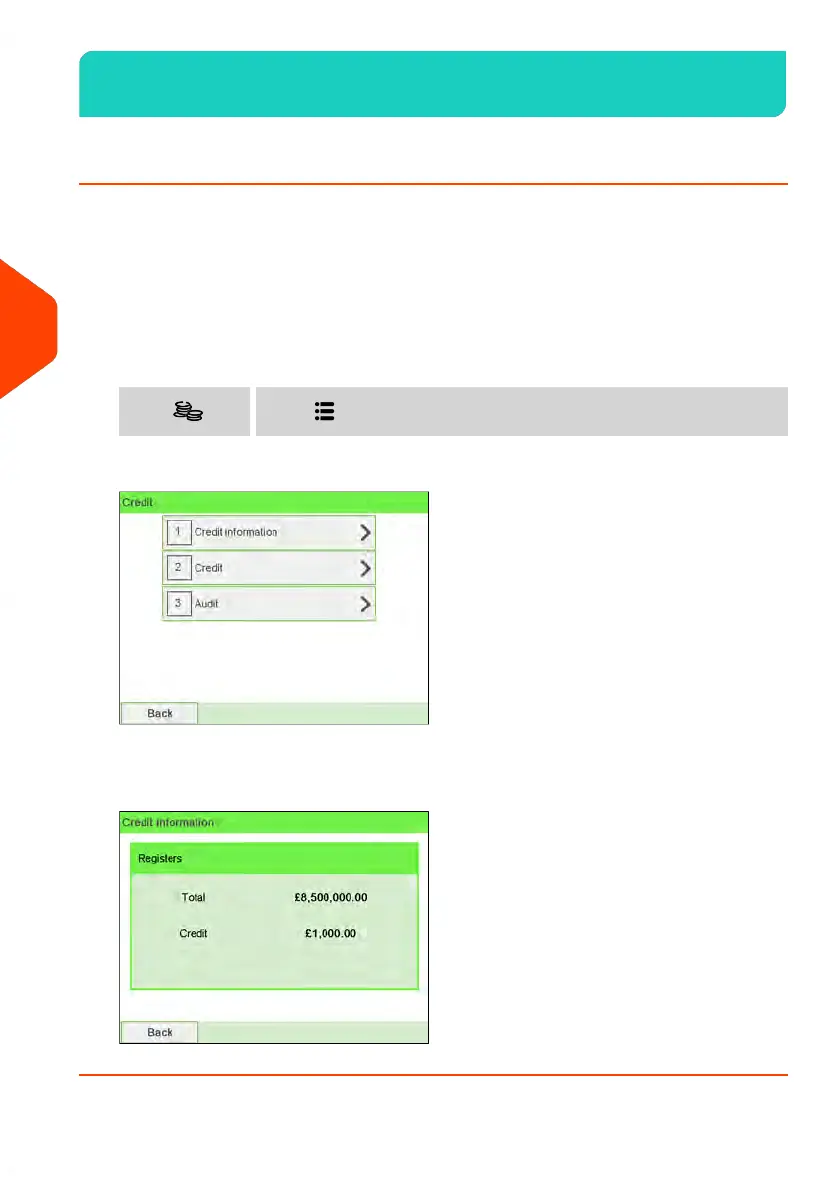
You can check the total postage used and the remaining credit in the PSD at any time.
To check that enough credit is available to complete your current task.
Remaining credit is continuously displayed at the bottom of the home screen (see
Control Panel Features on page 21). You can also use the procedure below.
To check available credit:
1. Either:
Press and select the path: CreditPress or
2. Select Credit information.
The screen displays your postage credit as shown below.
122
| Page 122 | Jun-22-2021 11:01 |
5
Money Operations















 To Next Page