Maintenance Processes12.4
How to Run the Registration Update
The Update Registration process is only to be completed at a
request from Customer Service:
• This procedure is used if you have changed your address.
• Contact your Customer Service to change your information
then you will be instructed to perform the update
registration procedure.
To run the registration update:
1. As supervisor (see How to Log in as Supervisor on page 241):
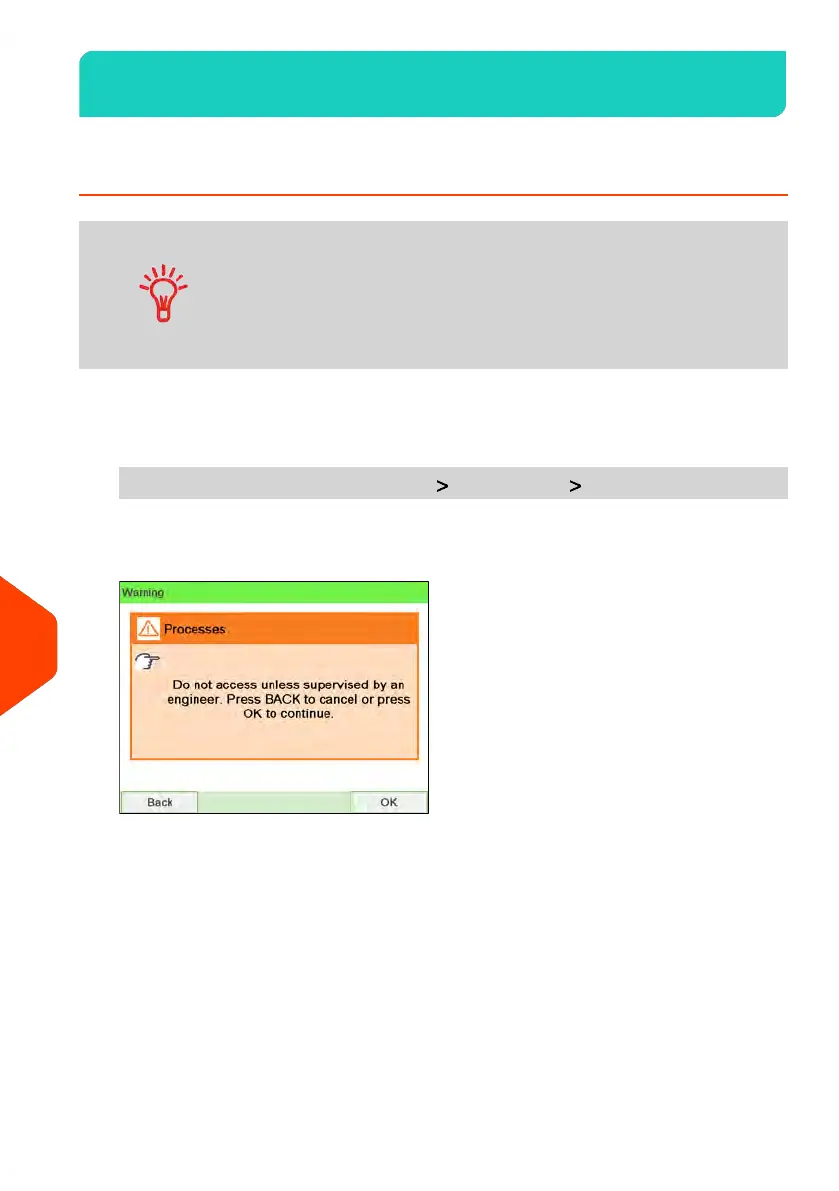
From the main menu, select the path: Maintenance Processes
A confirmation message is displayed.
2. Press [OK].
342
| Page 342 | Jun-22-2021 11:01 |
12
Maintaining















 To Next Page