4. Enter the options you wish to provide for this operator.
You must enter a unique PIN code (4 digit) for each operator.
5. In the Account List screens, select the Accounts (or groups/subgroups) that the
operator will be allowed to use. You can complete this step later: see How to
Assign Accounts to an Operator on page 174.
6. Press [OK].
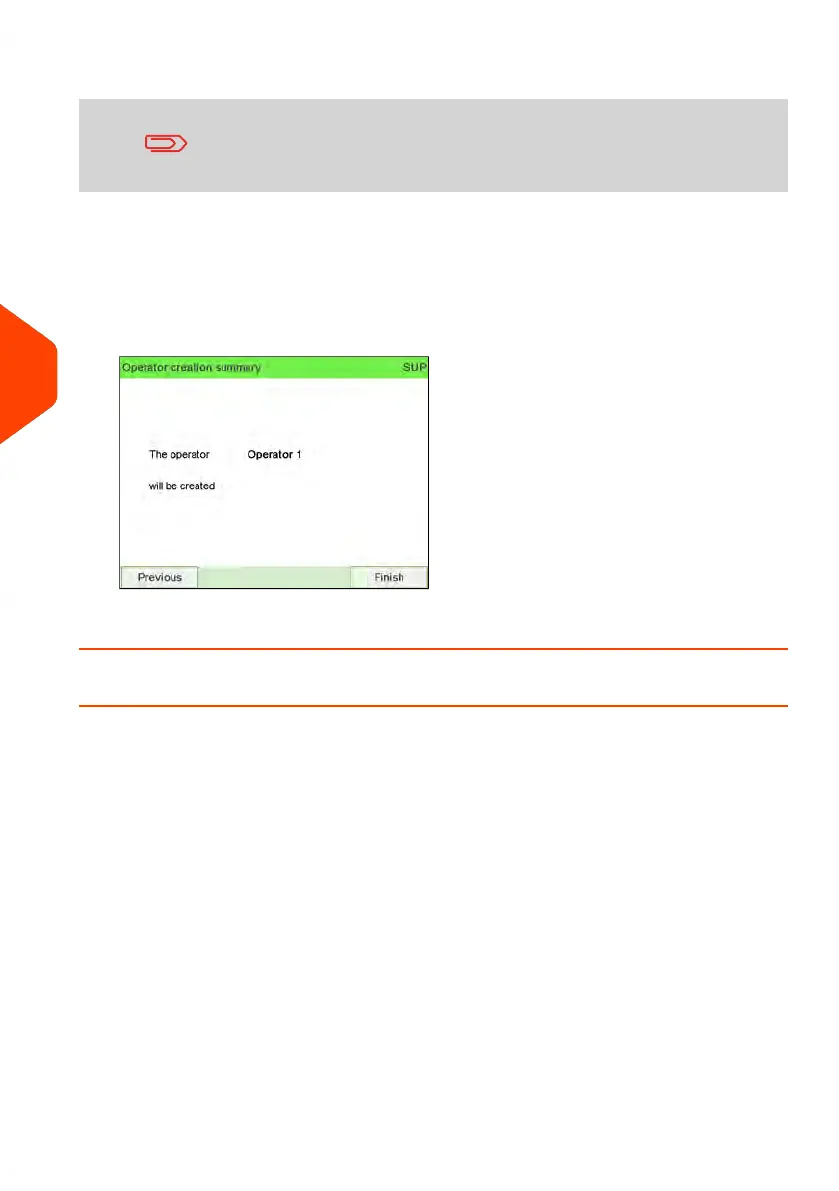
The Operator creation summary screen is displayed.
7. Press [OK] to create the Operator.
How to Modify an Existing Operator
To modify an existing Operator:
172
| Page 172 | Jun-22-2021 11:01 |
6
Accounts and Access Control















 To Next Page