How to Process the Wiper
1. As supervisor (see How to Log in as Supervisor on page 241):
From the main menu, select the path: Maintenance Cartridge Wiper Process
2. Open the cover and remove the cartridge.
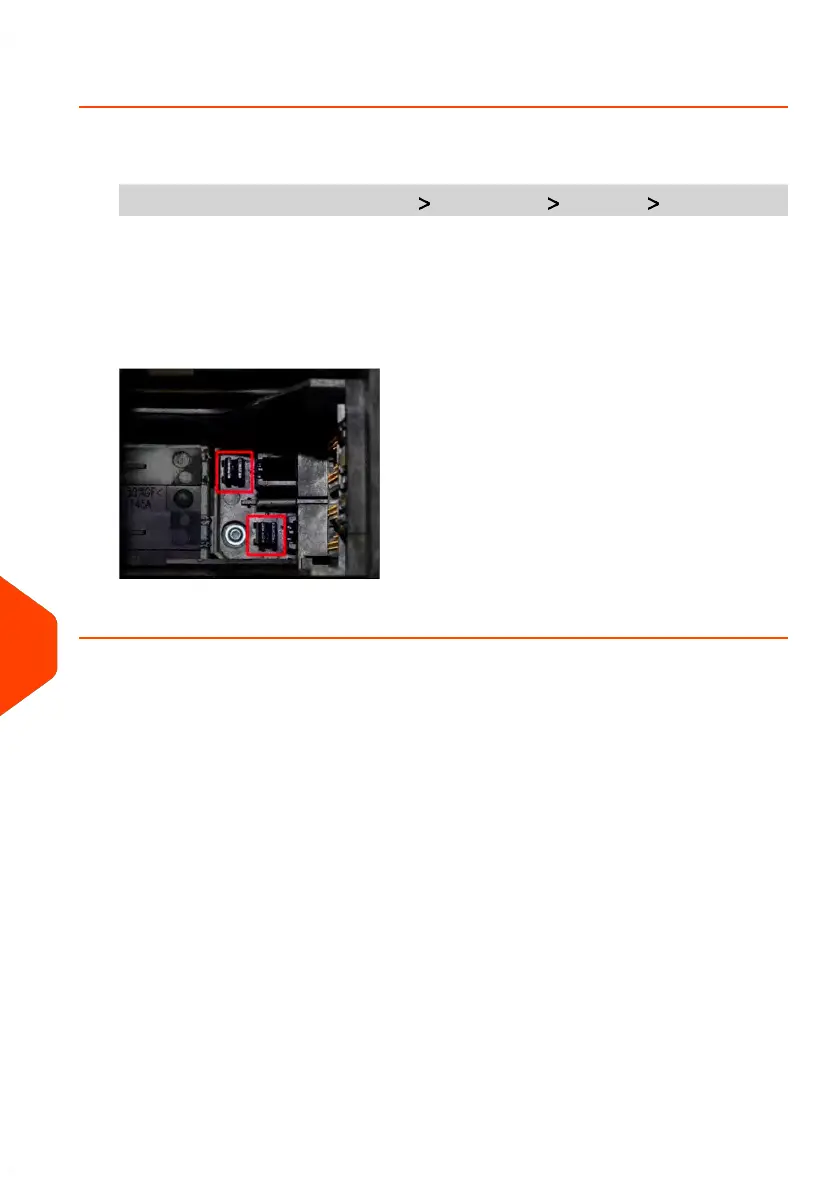
3. Press [OK] twice to start the carriage motor.
4. Check wiper and clean if neccesary, then press [OK].
5. Check cartridge is back in replacement position and press [OK] to end test.
334
| Page 334 | Jun-22-2021 11:01 |
12
Maintaining















 To Next Page