How to Set Dynamic Scale High Accuracy Mode
Follow the steps below to set Dynamic Scale High Accuracy Mode.
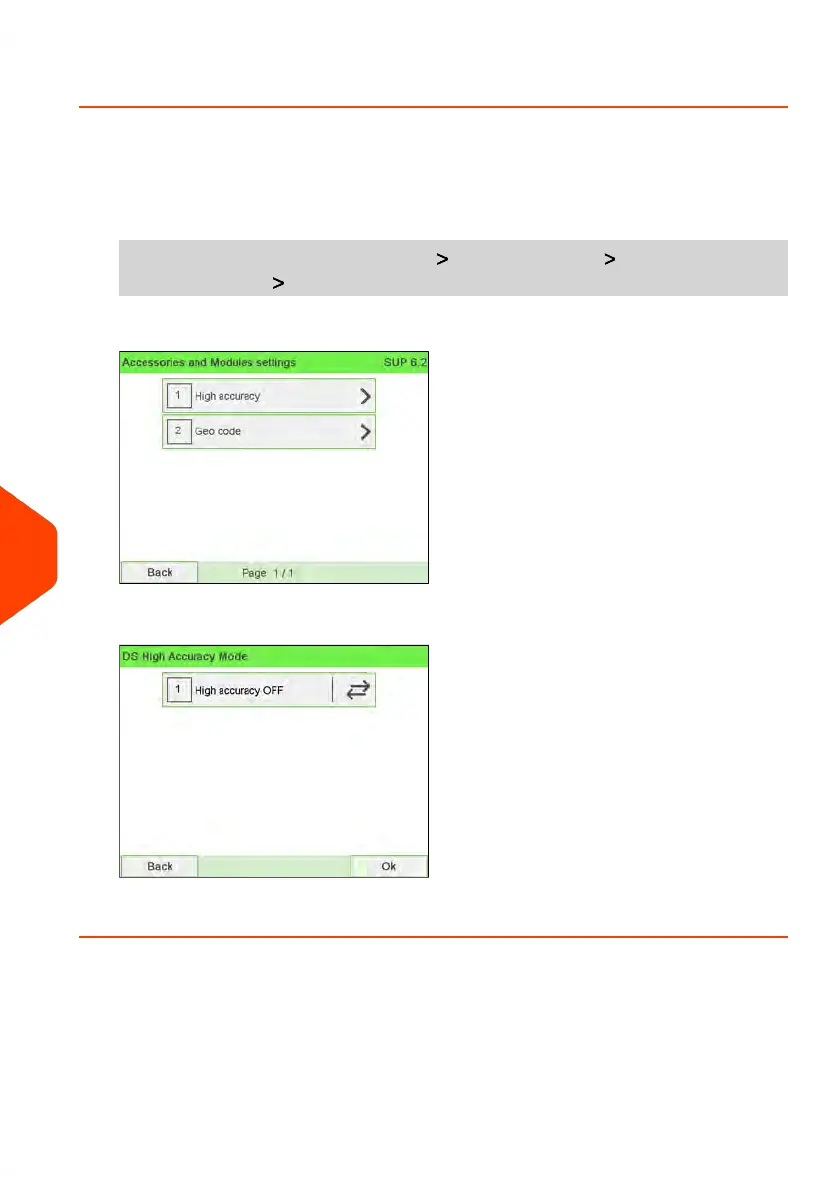
To activate the high accuracy setting:
1. As supervisor (see How to Log in as Supervisor on page 241):
From the main menu, select the path: Machine settings Accessories and
modules settings High accuracy
2. Switch ON or OFF state to activate or deactivate the function.
3. Press [OK] to validate.
266
| Page 266 | Jun-22-2021 11:01 |
10
Configuring your Mailing System















 To Next Page