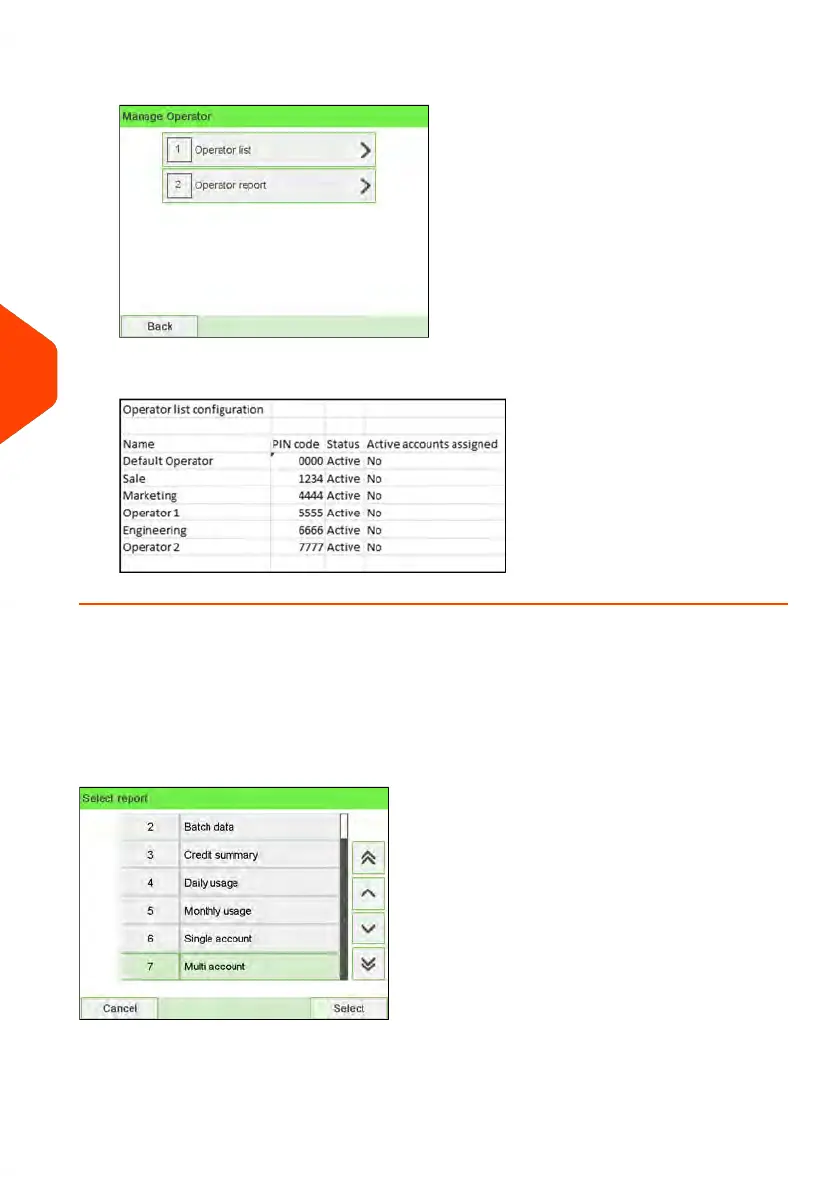
3. Select Operator report.
4. Select the Output and then press [OK].
Multi Account Report
This report displays postal expenditures for all the accounts over a selected time period,
sorted by ascending account number.
The report displays all the accounts in 'active' status, and accounts 'inactive' or 'deleted'
with a postage value.
178
| Page 178 | Jun-22-2021 11:01 |
6
Accounts and Access Control















 To Next Page