Output
• Screen
• USB printer
Content
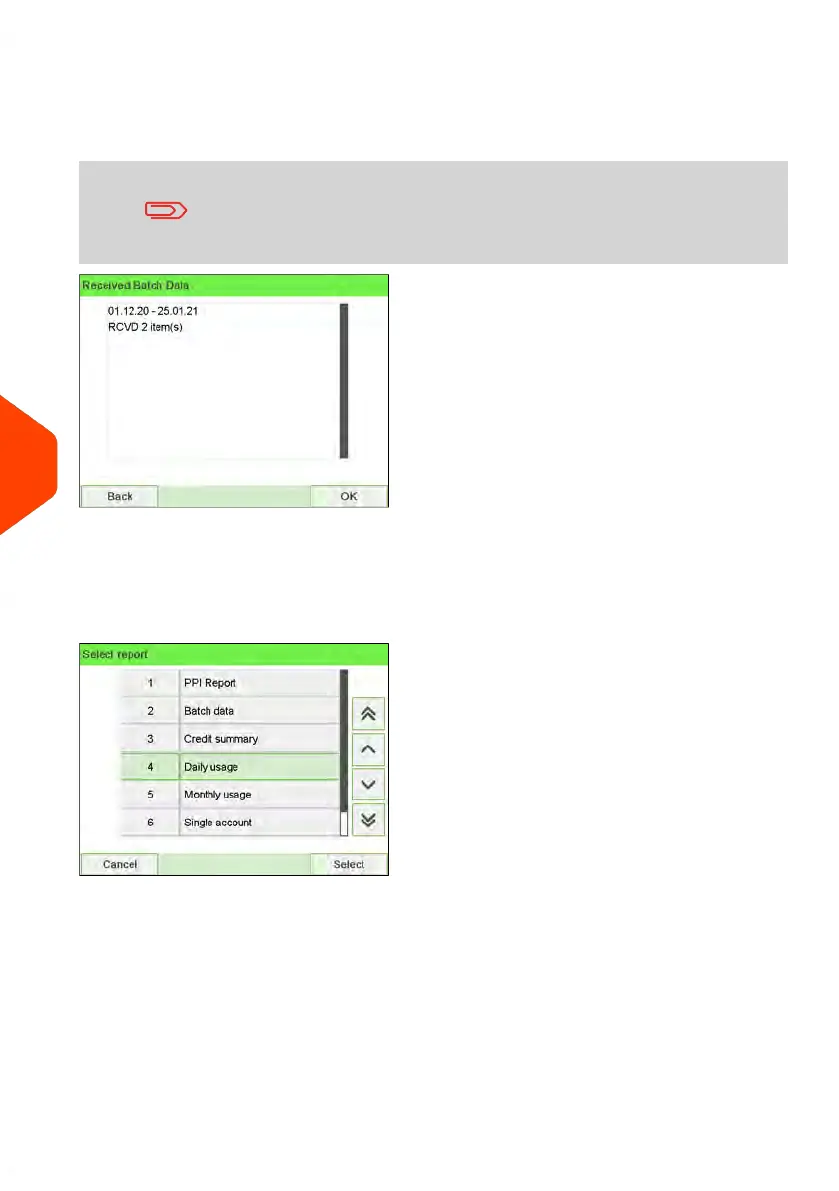
After issuing reports like Batch Data or Received Batch Data,
you may wish to reset the batch counters so that your next
reports restart from zero at the current date. See How to Reset
Batch Counters on page 99.
Daily Usage Report
This report displays, for each day of the selected period, usage data such as total items
and total postage value.
206
| Page 206 | Jun-22-2021 11:01 |
8
Reports















 To Next Page