4. Select the Output and then press [OK].
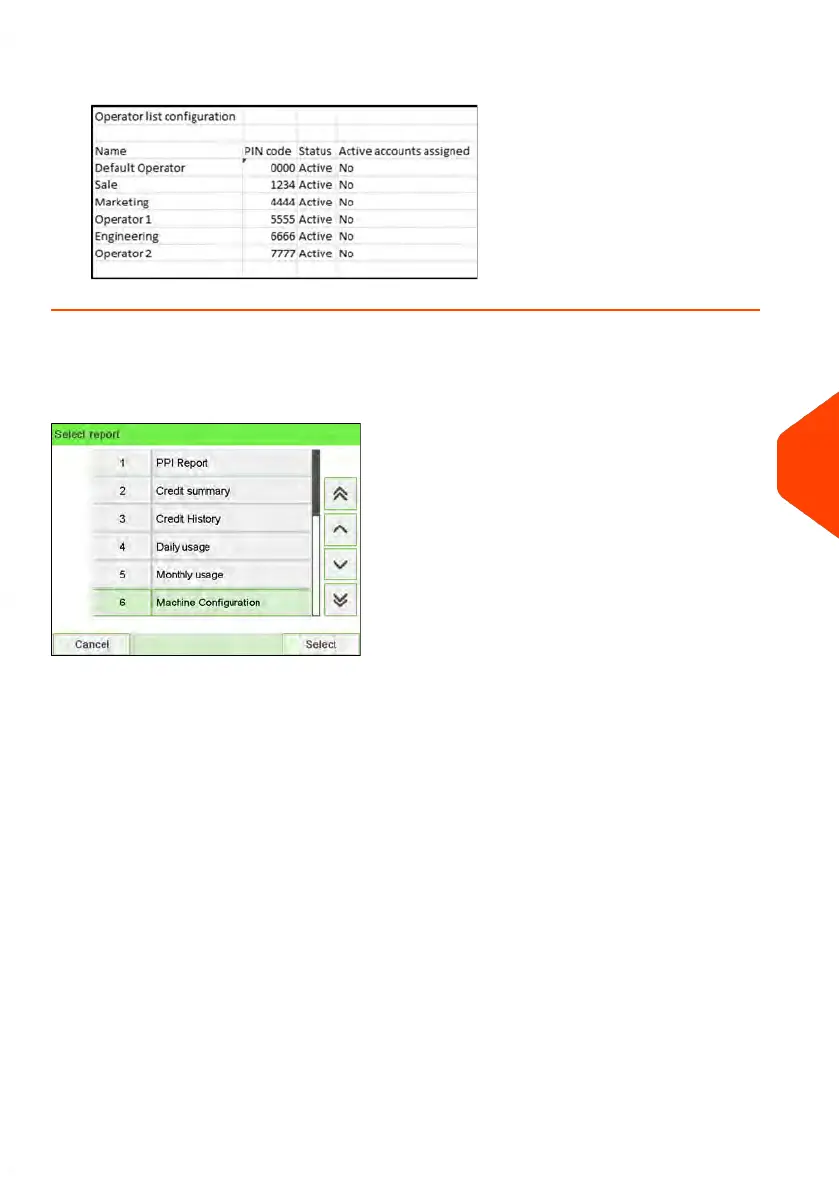
Machine Configuration Report
This report displays all supervisor settings.
Requirements
To generate this report, you have to be logged in as a supervisor.
Output
• USB printer (if installed)
• USB memory key
8
Reports
215
| Page 215 | Jun-22-2021 11:01 |















 To Next Page