1. As a user:
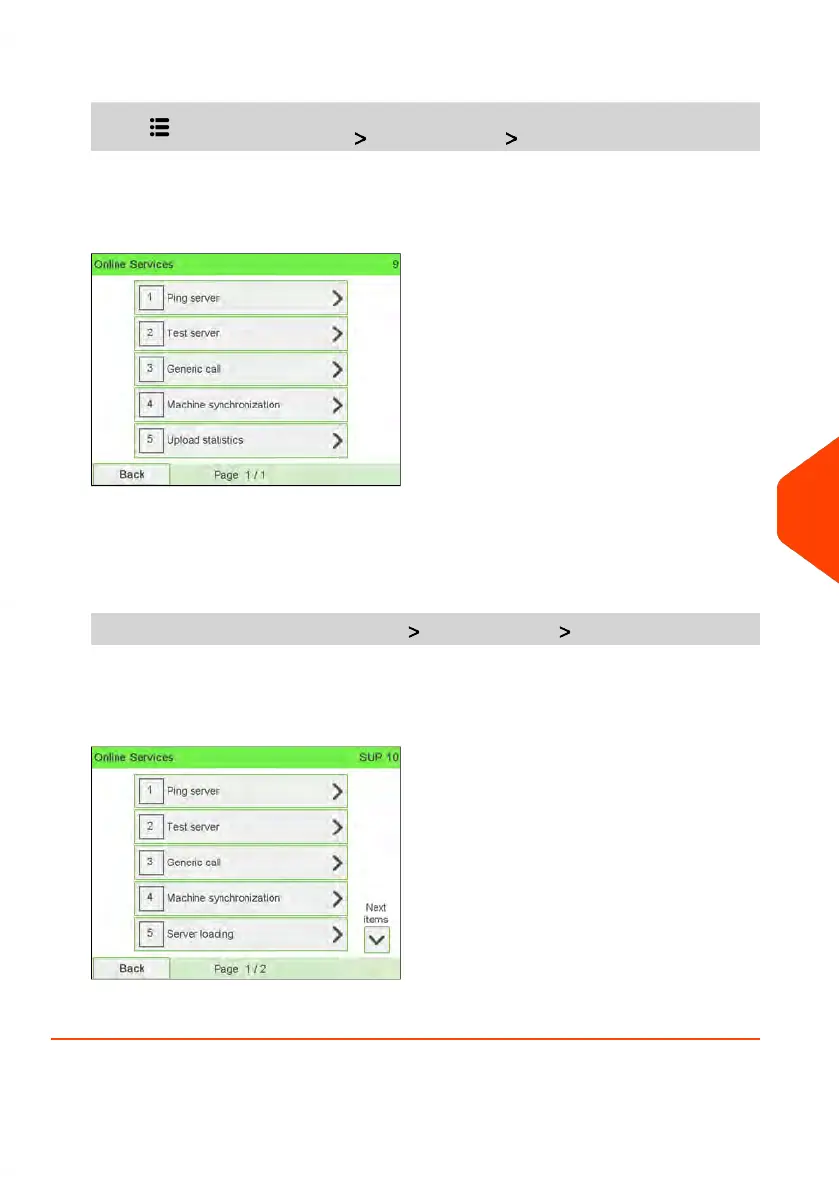
Press and select the path: Online services Generic call
The Mailing System connects to the server and downloads the available elements
(rates, slogans, etc.).
2. Check your mailbox for messages: see Using the Mailbox on page 296.
To trigger a generic call (as Supervisor):
1. As supervisor (see How to Log in as Supervisor on page 241):
From the main menu, select the path: Online services Generic call
The Mailing System connects to the server and downloads the available elements
(rates, slogans, etc.).
2. Check your mailbox for messages: see Using the Mailbox on page 296.
9
Online Services
227
| Page 227 | Jun-22-2021 11:01 |















 To Next Page