1. As supervisor (see How to Log in as Supervisor on page 241):
From the main menu, select the path: Communication settings LAN settings
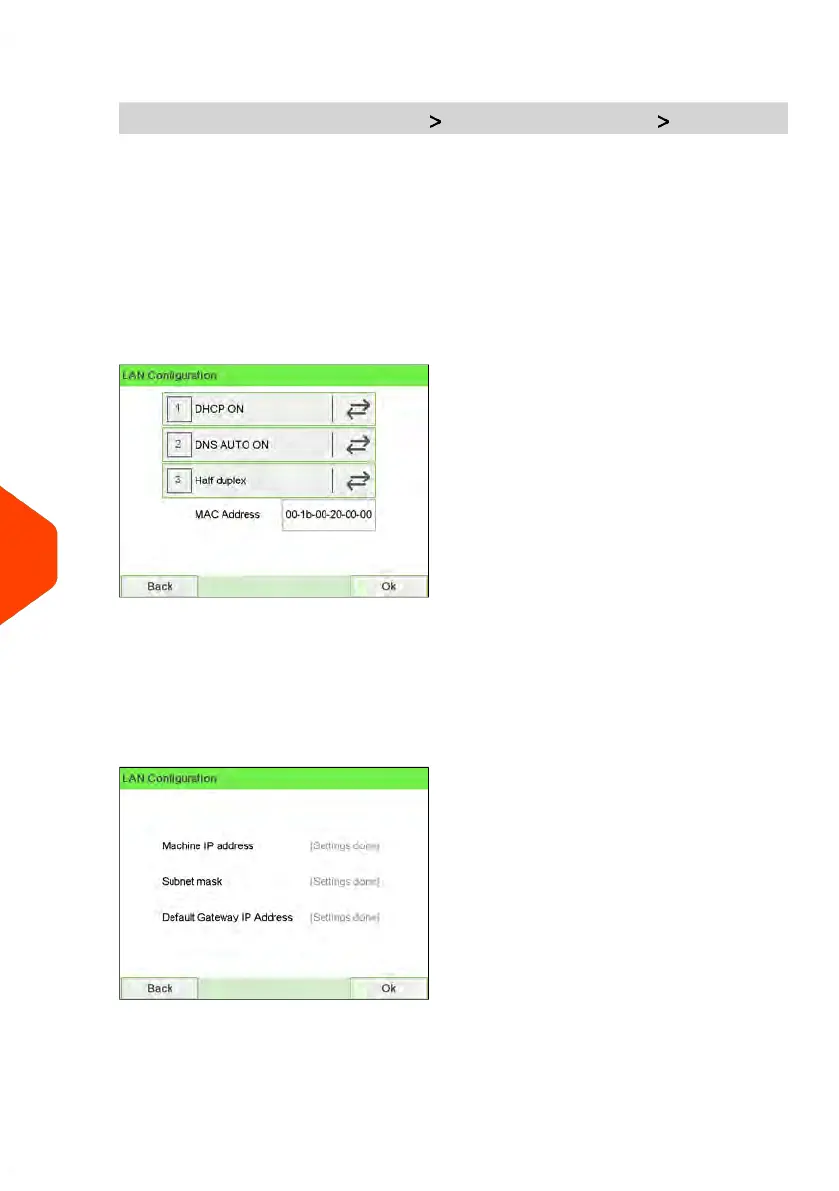
The LAN configuration is displayed.
2. Select:
- DHCP ON
- DNS AUTO ON
- Half duplex
Press [OK] to validate.
3. The screen will show:
- Machine IP address [Settings done]
- Subnet mask [Settings done]
- Default Gateway IP Address [Settings done]
Press [OK].
286
| Page 286 | Jun-22-2021 11:01 |
10
Configuring your Mailing System















 To Next Page