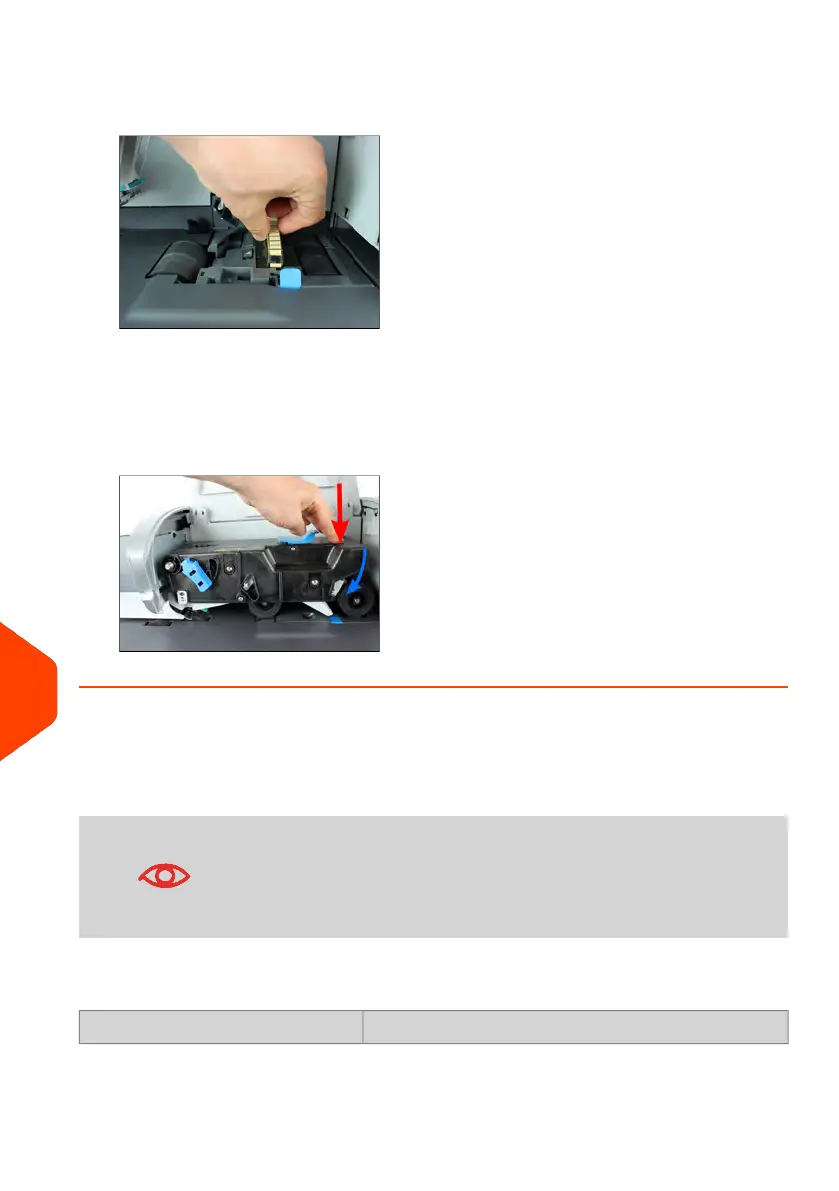
4. Lift the metal retainer to remove the sponge.
Remember its direction.
5. Clean the sponge and the brush.
6. Re-install the sponge and retainer.
7. Put the brush back and push the release lever back down until it snaps into place.
8. Push down on the upper drive assembly until it locks back into position.
The Weighing Device does not Weigh Properly
If the Base does not display a correct weight, complete the following actions to correct
the problem.
Display _g indicates a weighing error. When this weighing error
occurs on the home screen, the Standard Weighing type is
automatically selected if the Automatic Weight Detection is
activated, see How to Activate/Deactive the Automatic Weight
Detection on the WP on page 256.
You have to check the weighing device (Weighing Platform or Dynamic Scale) as
follows.
ActionsPossible causes
354
| Page 354 | Jun-22-2021 11:01 |
13
Troubleshooting















 To Next Page