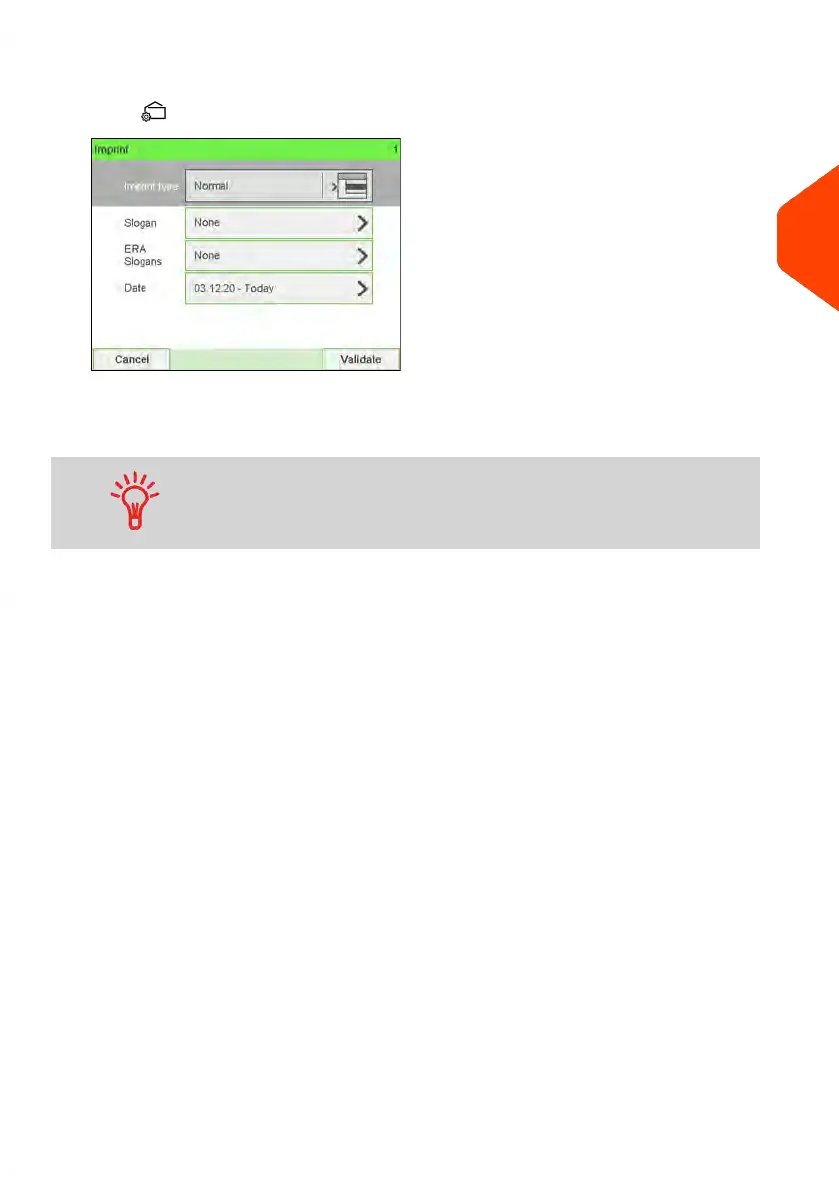
2. Check or change the type of imprint, if you are not in [Normal] mode.
Press to access the Imprint screen:
To change the type of imprint, select Imprint type and then select [Normal] in the
Type of imprint screen. For more details, see How to Change the Current 'Type of
Imprint' on page 39.
To select an option in the screen: Tap the related zone on the
screen.
3
Processing Mail
43
| Page 43 | Jun-22-2021 11:01 |















 To Next Page