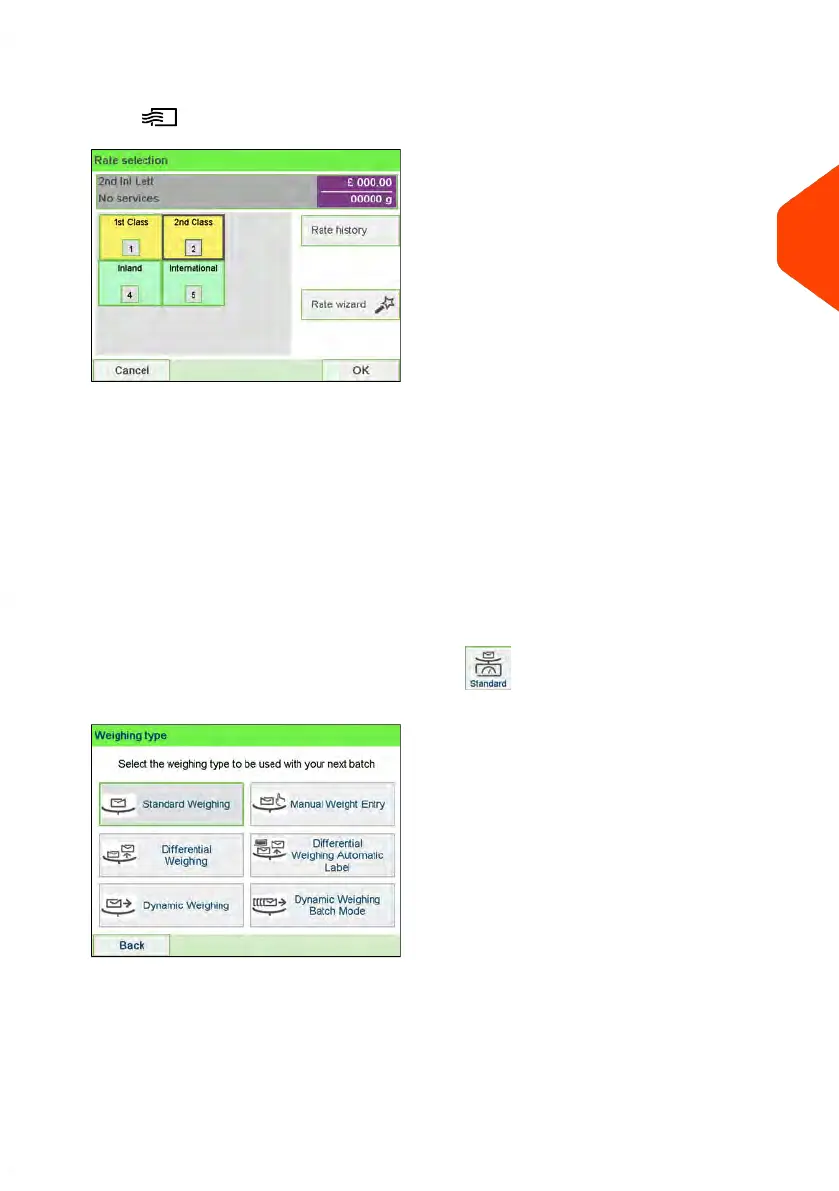
4. Select a rate and add services.
Press to open the Rate selection screen.
Type a rate number to select a rate or display new rate options
- Select Rate History to choose a recently selected rate.
- Select Rate wizard to choose rate options in lists (includes rates not shown
on rate selection screen).
For more details, see Selecting a Rate on page 193.
5. Select a Weighing Type.
Depending on the quantity and type of mail you have to process, you can choose
an efficient weighing method that uses a weighing platform or the dynamic scale
(if installed) to save time: see Choosing a Weighing Type on page 77.
To change the current weighing type, press and select a weighing type in
the Weighing type screen.
You can also apply the following optional setting(s):
1. Move the imprint away from the envelope edge for thick envelopes: see How to
Move the Imprint (Print Offset) on page 110.
3
Processing Mail
45
| Page 45 | Jun-22-2021 11:01 |















 To Next Page