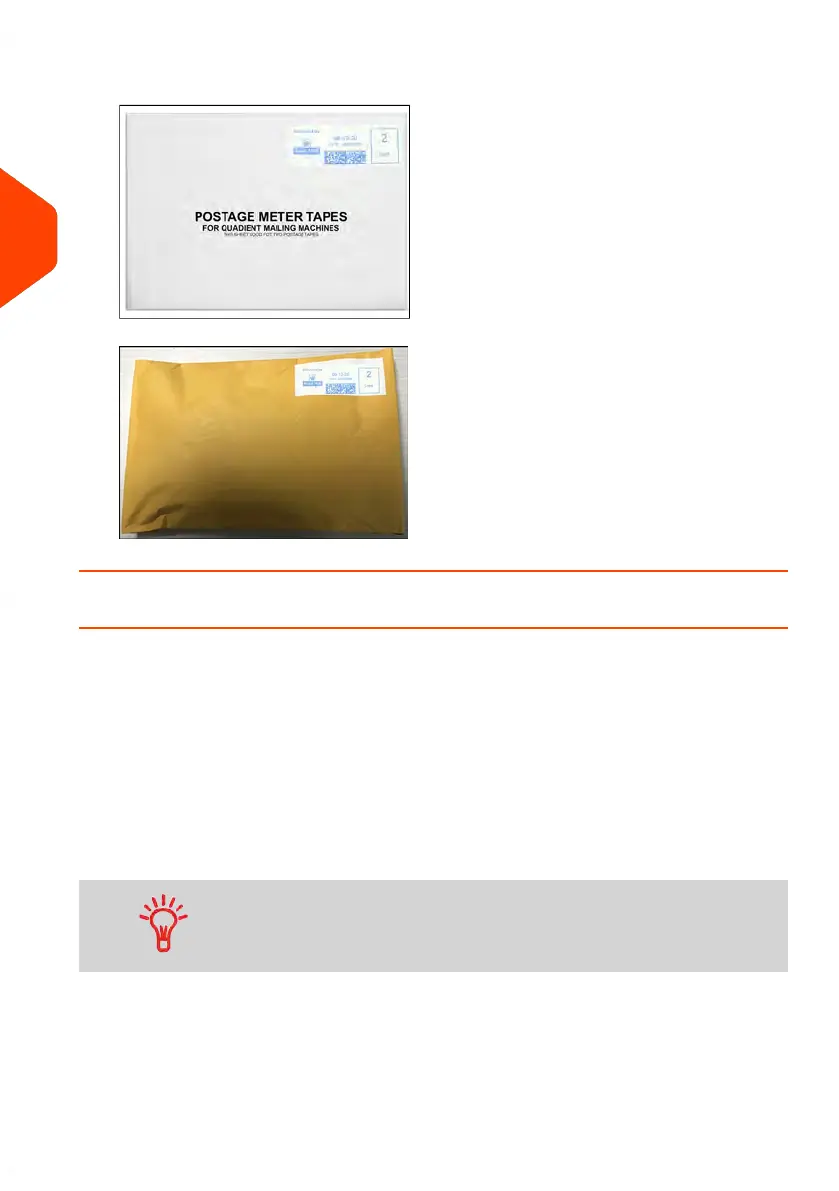
4. Peel the meter tape of its backing and apply it to your mail piece.
How to Enter the Weight Manually
Entering Weight Manually
You can enter the weight manually if a mail piece exceeds the weighing capacity of
all your weighing platform.
If this situation occurs, you will need to print the postage amount on a label to stick
onto the mail piece.
To enter the weight manually from the home screen, you must first select the postal
class:
1. Select the postal rate.
To select a rate, see How to Select a Rate on page 193.
52
| Page 52 | Jun-22-2021 11:01 |
3
Processing Mail















 To Next Page