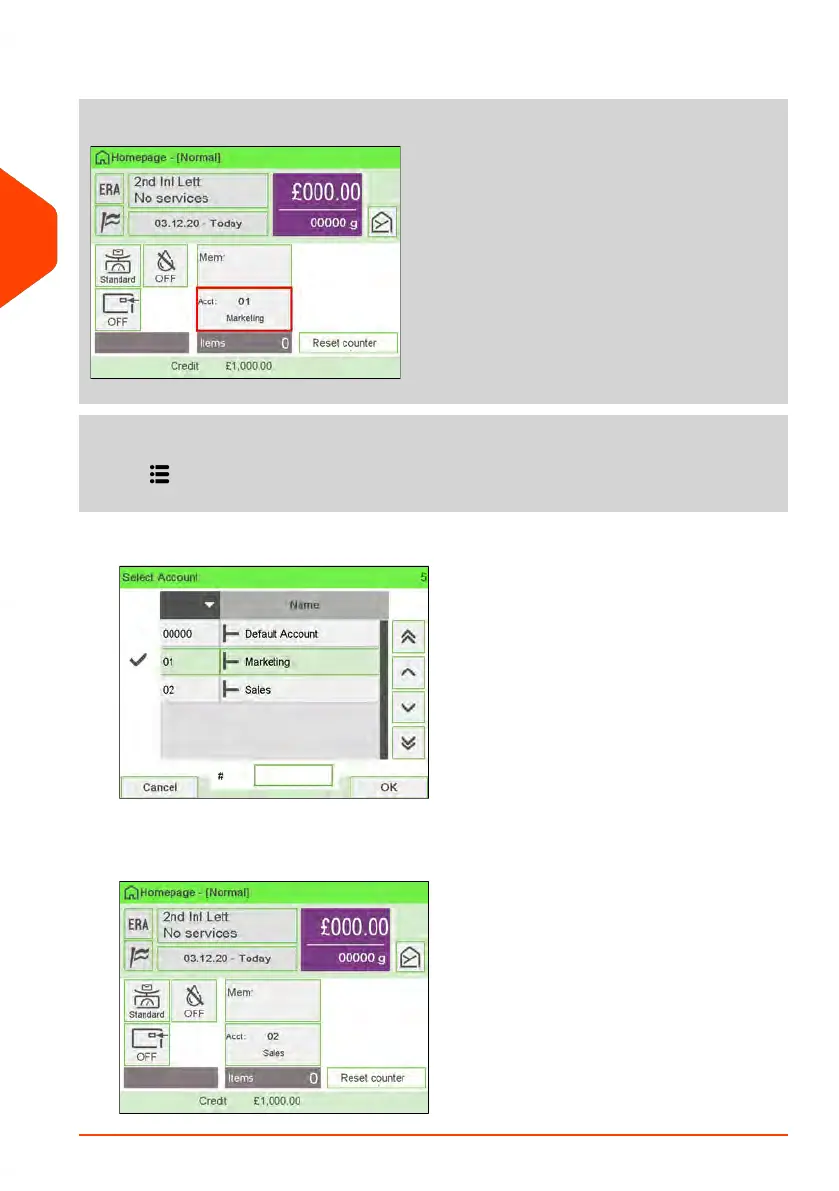
1. As a user:
Tap the Account zone on the screen.
or
Press and select the path: Change account
The list of accounts that are available is displayed.
2. Select the account you want to use and the selected account is automatically
accepted. The current account number is displayed.
70
| Page 70 | Jun-22-2021 11:01 |
3
Processing Mail















 To Next Page