2.
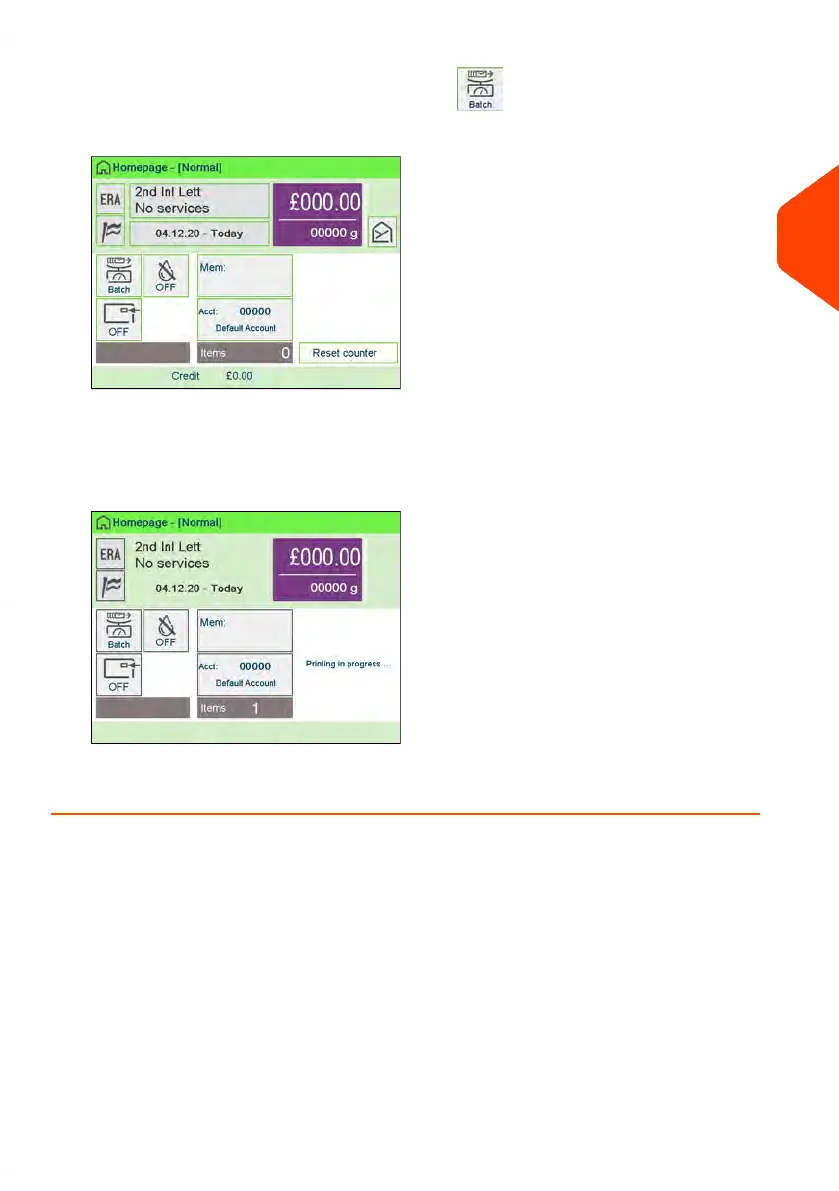
Select Dynamic Weighinghing Batch Mode .
The Weighing type is changed to Dynamic Weighing Batch Mode.
3. Place a stack of identical items at the Feeder Entrance.
4. The system automatically assesses the weight and size of the first item and applies
the same postage to all items at very high speed.
5. Run the piece through the mailing system to be printed with the indicia.
3
Processing Mail
87
| Page 87 | Jun-22-2021 11:01 |















 To Next Page