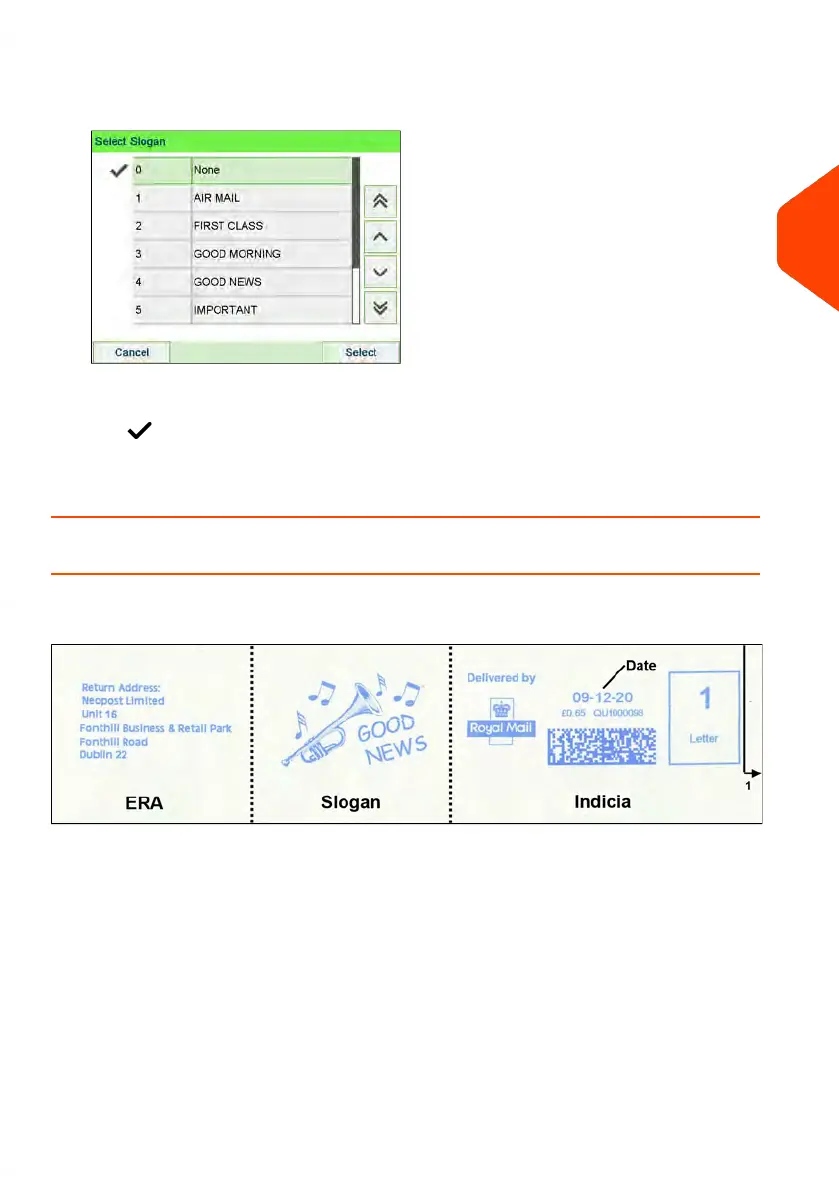
2. Select Slogan list.
The Select Slogan screen is displayed.
3. Select the slogan in the list or select None for printing no slogan.
The icon indicates the current selection.
See also
• Managing Slogans on page 304.
How to Move the Imprint (Print Offset)
You can move the imprint away from the edge of the envelope when printing on thick
envelopes with rounded edges.
1 - Imprint printing offset
To add an offset to the imprint position:
3
Processing Mail
93
| Page 93 | Jun-22-2021 11:01 |















 To Next Page