102
ESP-LXIVM Series Controllers
OFF
Turn off irrigation, master valves or the 2-Wire path.
Adjust Display Contrast
For better visibility, you can adjust contrast values of the controller
display from 1-12 in the OFF position.
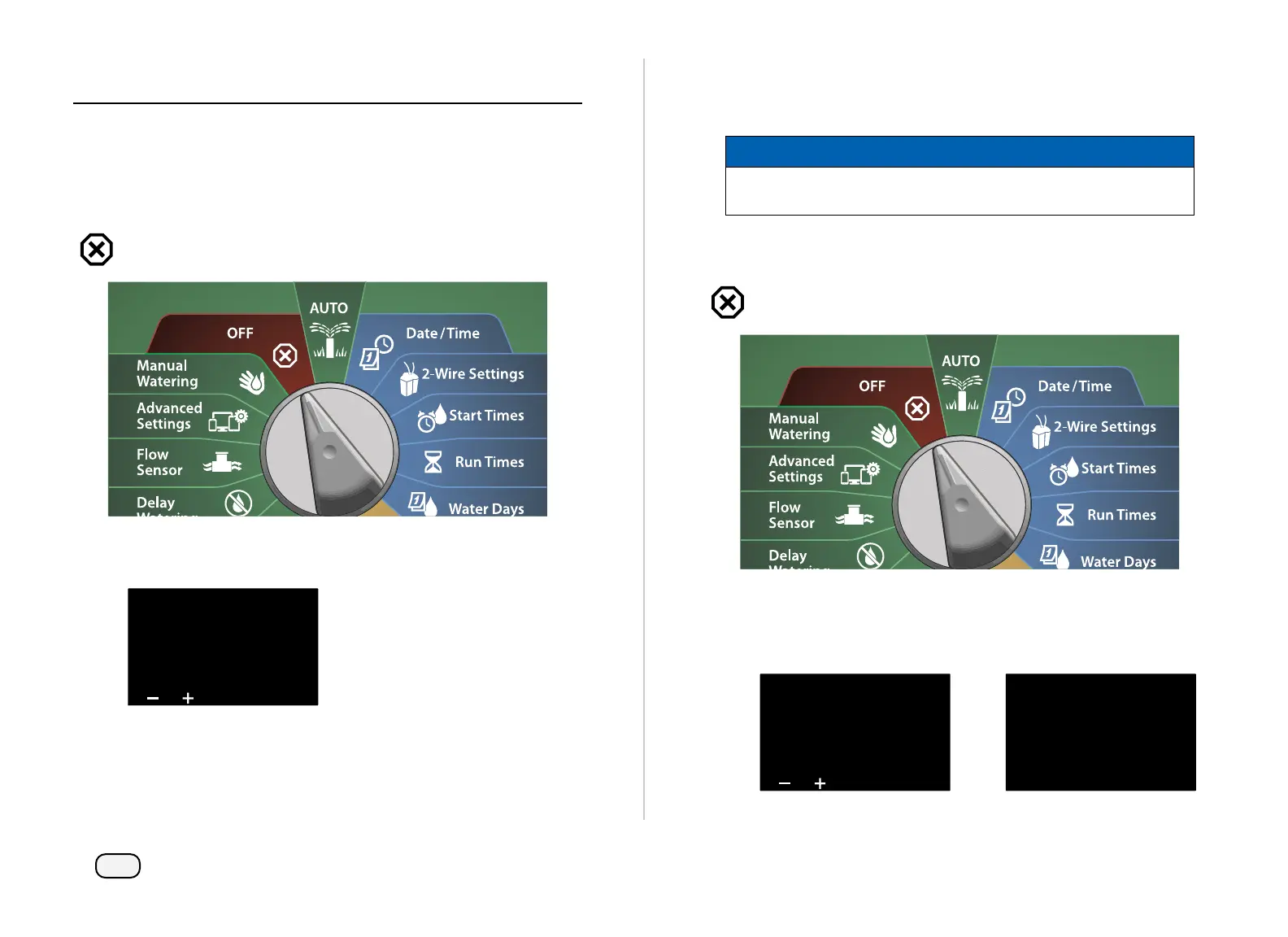
Turn the controller dial to OFF
At the All Watering Off screen, press the + and – keys to adjust
contrast up or down (from 0 to 12).
All Watering Off
9:43 AMOFF
Contrast 10 MV 2wire
Close Master Valves
Closes all master valves, disabling irrigation.
NOTICE
Using the MV Close function will disable all irrigation func-
tions.
NOTE: The Close Master Valves function closes Normally Open
Master Valves. Normally Closed Master Valves remain closed.
Turn the controller dial to OFF
At the All Watering Off screen, press the MV Close key.
At the confirmation screen, press and HOLD the Yes key for 4 sec-
onds to Close Master Valves. If you’re not sure, press No.
All Watering Off
9:43 AMOFF
Contrast 10 MV 2wire
WARNING!
Irrigation functions
will be disabled
Press and hold Yes
to proceed



 To Next Page
 Loading...










