56
ESP-LXIVM Series Controllers
The Watering Start Times review screen appears with the current
watering start times shown. Press Next.
NOTE: If the desired program is not selected, press the Program
Select button to choose the desired program. See "Program
Select Button" on page 41 for more details.
The Watering Starts Allowed On review screen appears with
allowed watering days shown. Press Next.
PGM 01
Watering Start Times
2
1
3
6
5
7
12:00 AM
OFF
OFF
OFF
OFF
OFF
OFF
OFF
PGM 01
By Day of Week
Watering Days - CUSTOMWatering Days - CUSTOM
Mo Tu We Th Fr Sa Su
XXXX
The Run Times review screen appears with run times for each sta-
tion shown. Press Next.
The Seasonal Adjust review screen appears with seasonal adjust-
ment percentage shown. Press Next.
PGM 01
STA
001
Run Times
HH:MM
00:10
Address
10001
PGM 01
Seasonal Adjust
100
%
Review Programs
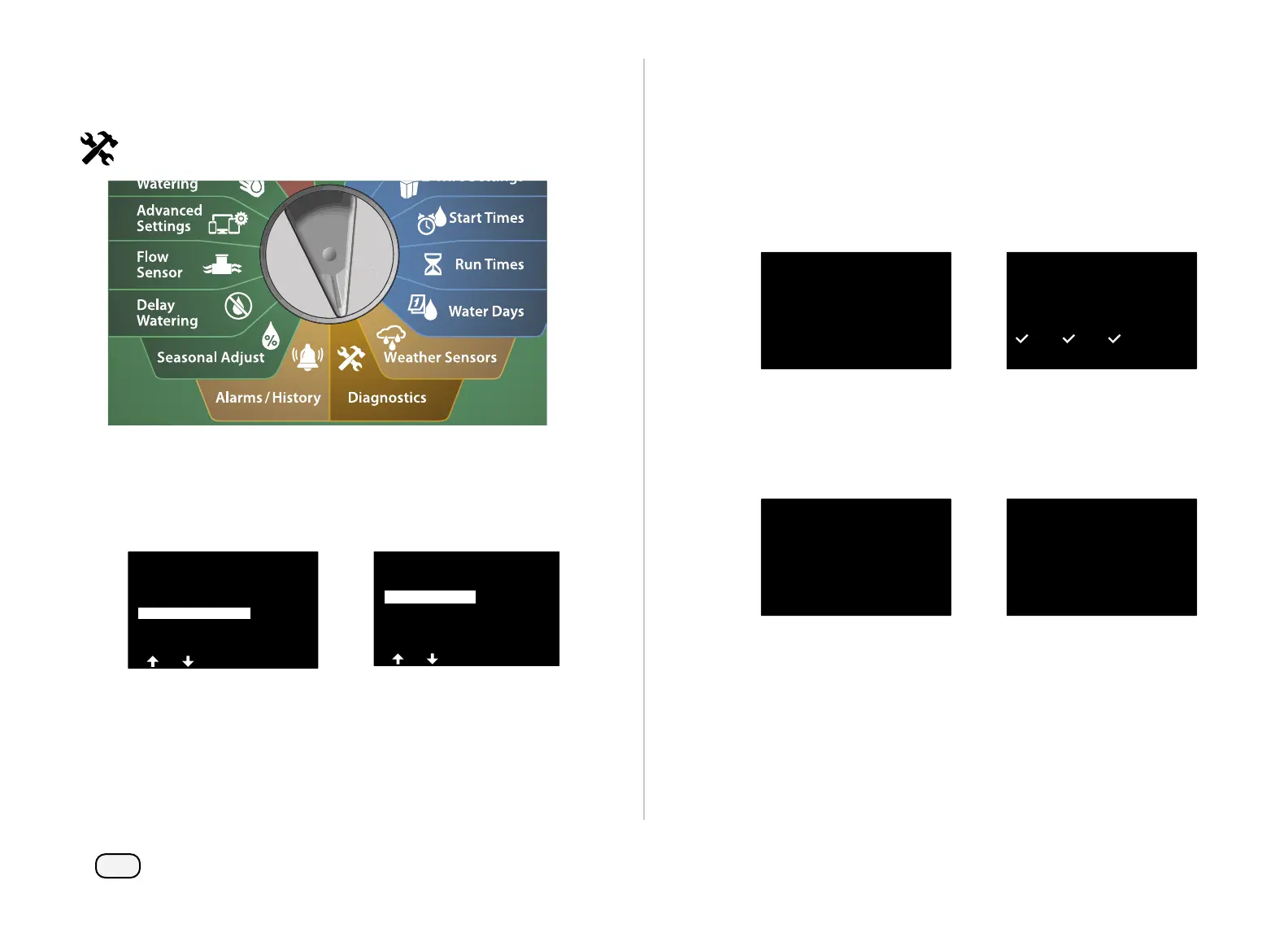
Review program information for a station.
Turn the controller dial to Diagnostics
At the DIAGNOSTICS screen, press the Down Arrow key to select
Confirm Programming, then press Next.
At the CONFIRM PROGRAMS screen, press the Down Arrow key
to select Review Programs, then press Next.
DIAGNOSTICS
Test All Stations
Diagnostics
Confirm Programming
CONFIRM PROGRAMS
Program Summary
Next
Review Programs
Program Run Times
Station Run Times
Review Master Valves



 To Next Page
 Loading...










