65
ESP-LXIVM Series Controllers
Clear Flow Alarms
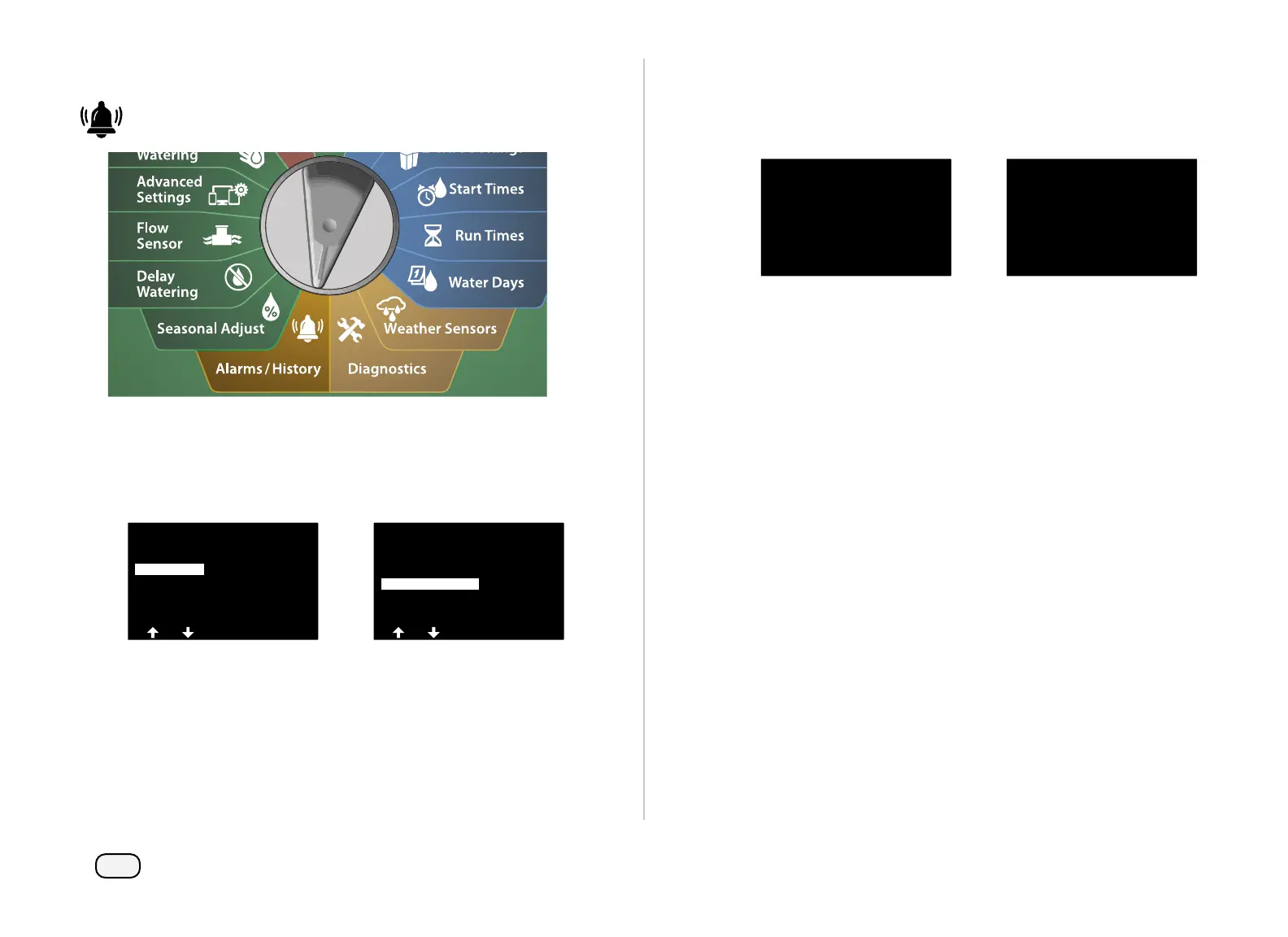
Turn the controller dial to Alarms/History
At the ALARMS AND HISTORY screen, press the Down Arrow key
to select Flow Alarms, then press Next.
At the Flow Alarms screen, press the Down Arrow key to select
Clear Flow Alarms, then press Next.
ALARMS AND HISTORY
Flow History
Electrical History
Flow Alarms
Flow Alarms
FloZone Flow Alarms
Clear Flow Alarms
Station Flow Alarms
The Clear All Flow Alarms screen appears. Press Yes to clear all
Station and FloZone Flow Alarms.
A confirmation screen shows that Flow Alarms have been cleared.
Clear All Flow Alarms
Are you sure you want to
clear all flow alarms?
Clear All Flow Alarms
No Flow Alarms


 To Next Page
 Loading...











