82
ESP-LXIVM Series Controllers
Clear Flow Rates
Occasionally it may be desired to clear the previously learned or user
entered flow rates and start all over again.
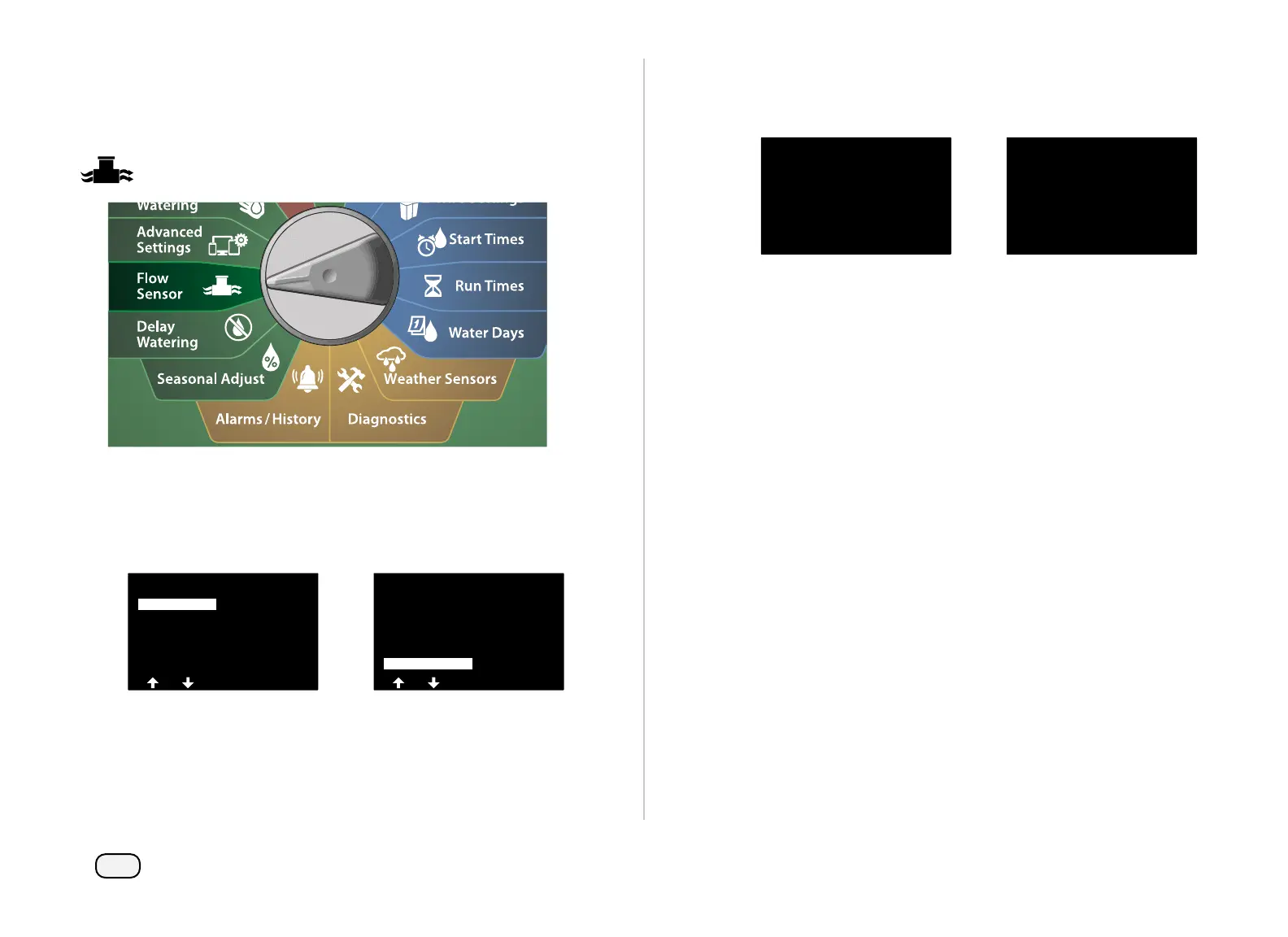
Turn the controller dial to Flow Sensor
At the FLOW SENSOR screen, with Set Flow Rates selected, press
Next.
At the Set Flow Rates screen, press the Down Arrow key to select
Clear Flow Rates, then press Next.
FLOW SENSOR
Current Flow Reading
Set Flow Units
Set FloWatch
Set FloManager
Set Flow Rates
Set Flow Rates
View Flow Rates
Clear Flow Rates
Set FloZone Rates
Set Station Rates
Learn Flow
The confirmation screen appears; press Next to clear flow rates.
A confirmation screen shows the process is complete.
WARNING
All Flow Settings will be
deleted and FloManager will
be disabled
Station Flow Rates Have Been
Cleared



 To Next Page
 Loading...










