31
ESP-LXIVM Series Controllers
Flow Sensors
Set Up Rain Bird Flow Sensor
Flow Sensor Setup tells the ESP-LXIVM controller what flow sensors
are used by your irrigation system.
Flow sensors are not required for the LX-IVM controller, but they add
functionality by alerting you to abnormally high or low flow rates
and even shutting down affected MVs or stations if flow rates exceed
set thresholds.
• The LX-IVM can support up to five flow sensors and the LX-IVM
Pro can support up to 10.
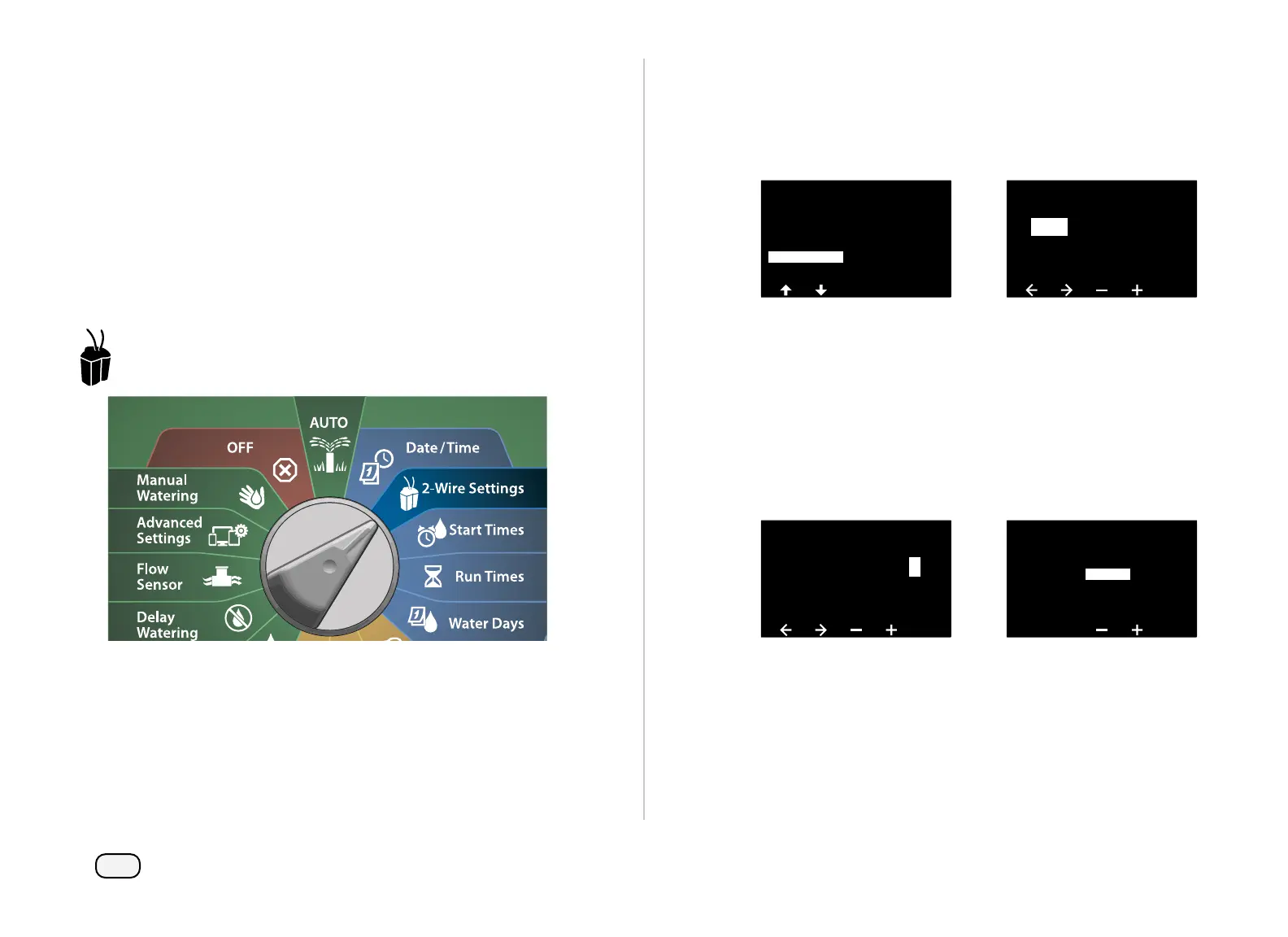
Turn the dial to 2-Wire Settings
At the 2-WIRE SETUP screen, press the Down Arrow key to select
Flow Sensors, then press Next.
At the Flow Sensor Setup screen, press the + and – keys to set the
desired Station (from 1 to 240), then press the Right Arrow key.
2-WIRE SETUP
Master Valves
Weather Sensors
Station Setup
Advanced Station Settings
Flow Sensors
Flow Sensor Setup
01
FS
- - - - -
Address
Press the + and – keys to set the desired Flow Sensor Address.
Press the Arrow keys to navigate between the number setting
fields. Once all fields are entered, press the Next key.
NOTE: An alarm will show if a duplicate 2-Wire Device address
is entered for more than one sensor. See "Alarms" on page 21
for more details.
Press the + and – keys to select the type of the flow sensor model
that you’re using, then press Next.
Flow Sensor Setup
FS Address
001
1 0 0 0 1
1
Flow Sensor Setup
FS 01
Type:
FS350B
NOTE: The FS350B and FS350SS flow sensor type require the
inside pipe diameter to be configured.



 To Next Page
 Loading...










