37
ESP-LXIVM Series Controllers
Set SimulStations for Program
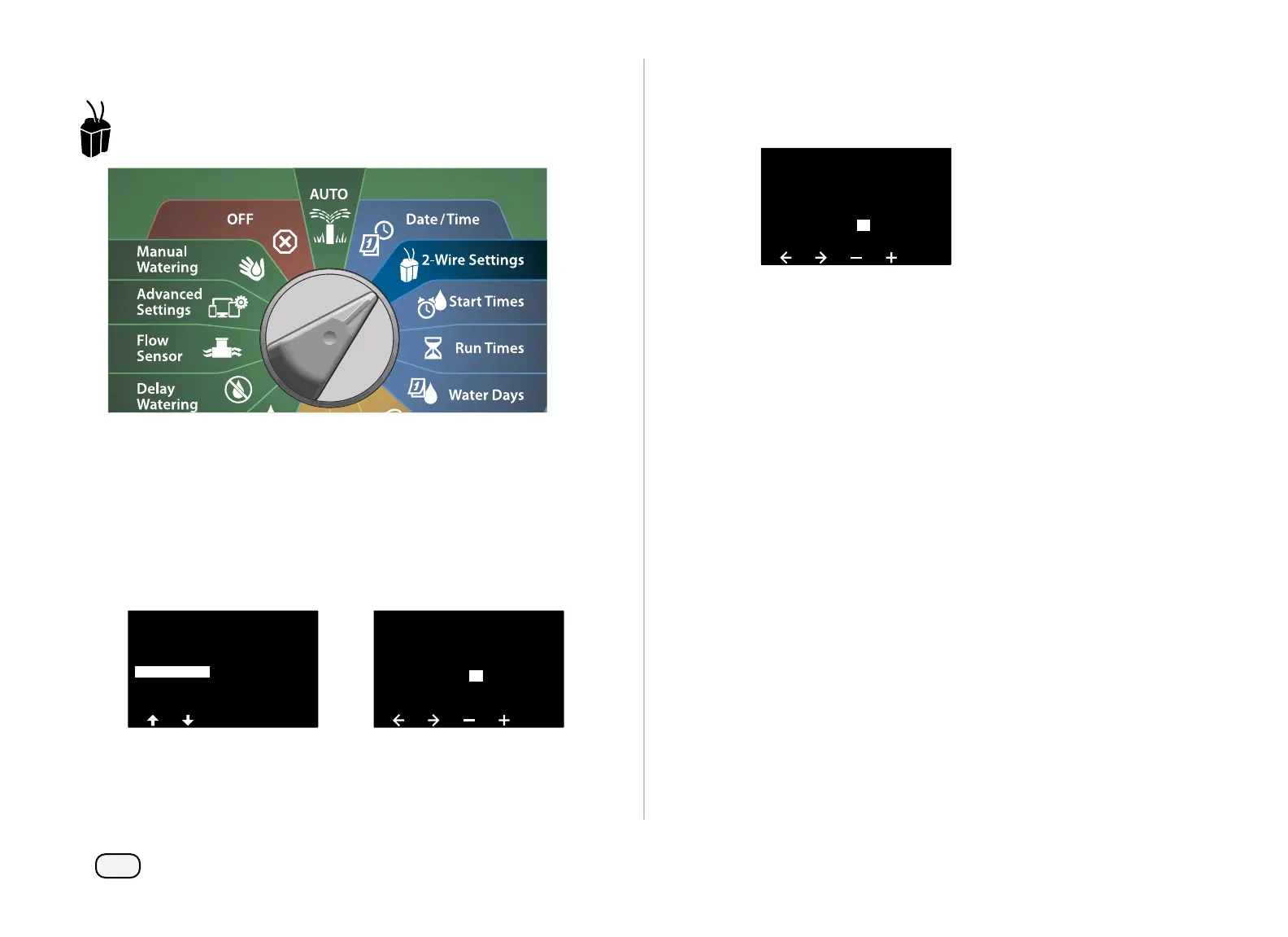
Turn the dial to 2-Wire Settings
At the Advanced Station Settings screen, press the Down Arrow
key to select SimulStations, then press Next.
At the SimulStations screen, press the + and – keys to set the
number of Irrigation stations (from 1 - 240).
NOTE: There are two types of the SimulStations (Global and
PGM). Press the Arrow keys to navigate between the number
setting fields.
Cycle & Soak
Inter-Station Delay
SimulStations
2-Wire Mapping
Station Sequencing
Advanced Station Settings
SimulStations
Type
Irrigation
0
12 0
Non-Irrig
Global PGM
PGM 1
Press the Right Arrow key to continue to the Non-irrigation sta-
tion. Press the + and – keys to set the desired number (from 1 to
16).
SimulStations
Type
Irrigation
2
12 4
Non-Irrig
Global PGM
PGM 1
Change the Program Select switch and repeat this process to
set the Maximum Number of Stations for other programs as
desired.


 To Next Page
 Loading...











