97
ESP-LXIVM Series Controllers
Manual Watering
The ESP-LXIVM controller allows you to manually start a station,
a program, or to open a Normally Closed Master Valve (NCMV) to
provide water to a FloZone for manual watering.
Start Station
NOTE: Manual Watering > Start Station will pause currently run-
ning programs.
NOTE: Ensure device addresses are present and entered cor-
rectly prior to Manual Station or Manual Program operations.
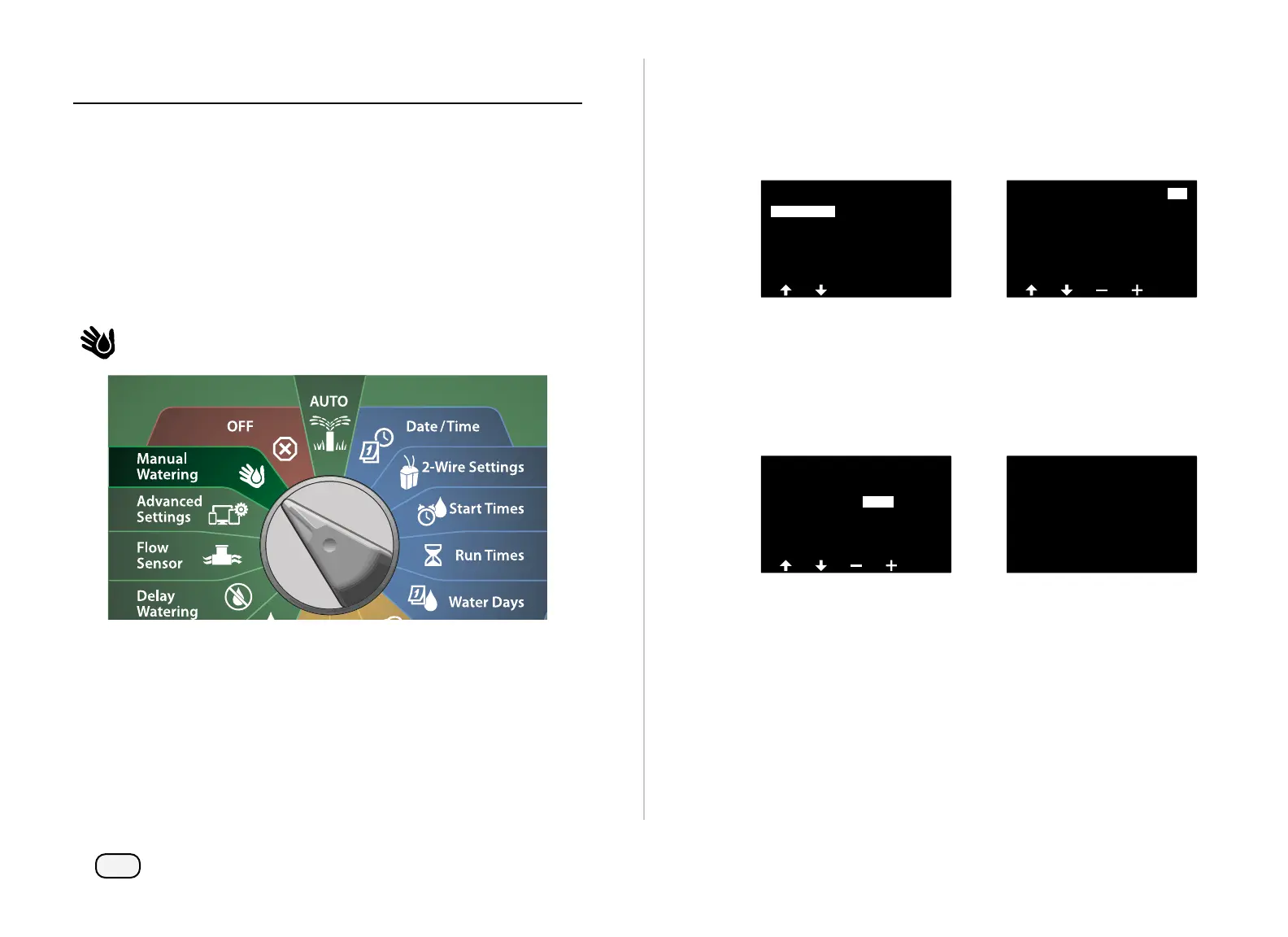
Turn the controller dial to Manual Watering
At the Manual Watering screen, with Start Station selected, press
Next.
At the Run Time - Station screen, press the + or – key to select the
desired station (from 1 to 240) to run manually.
Manual Watering
Test All Stations
MV Water Window
Start Program
Start Station
Run Time - Station
001
HH:MM
Custom
00:00
00:20
Program 1
Press the Arrow keys to set the station Run Time (from 0 hours, 1
minute to 96 hours). Press the Run key to start irrigation for that
station.
• Press and HOLD keys to accelerate settings.
A confirmation screen shoes that irrigation has started.
Run Time - Station
004
HH:MM
Custom
00:10
00:20Program 1
STA 001 started for 00:01
Repeat this process to manually water other stations.
NOTE: Stations will run sequentially in the order in which they
were selected.
To view the Station while running, turn the controller dial to the
AUTO position. Press the + or – keys to add or subtract minutes
from the run time for the currently running station. To advance to
the next station in a program, press the Adv key.



 To Next Page
 Loading...










