86
ESP-LXIVM Series Controllers
Set Flow Limits
SEEF (High Flow) and SELF (Low Flow) Settings and
Actions
To most effectively use FloWatch™, you will want to first set your
High Flow and Low Flow thresholds and actions. SEEF (High Flow)
stands for Seek and Eliminate Excessive Flow and deals with how
you want the controller to respond when excessive flow is occurring,
as might be the case with a mainline break or a valve which is stuck
in the open position. SELF (Low Flow) stands for Seek and Eliminate
Low Flow and deals with what the controller should do when low
flow is present, as might be the case during a pump failure, munici-
pal water supply issue or when a valve fails to open.
Set Up and Configure High Flow and Low Flow
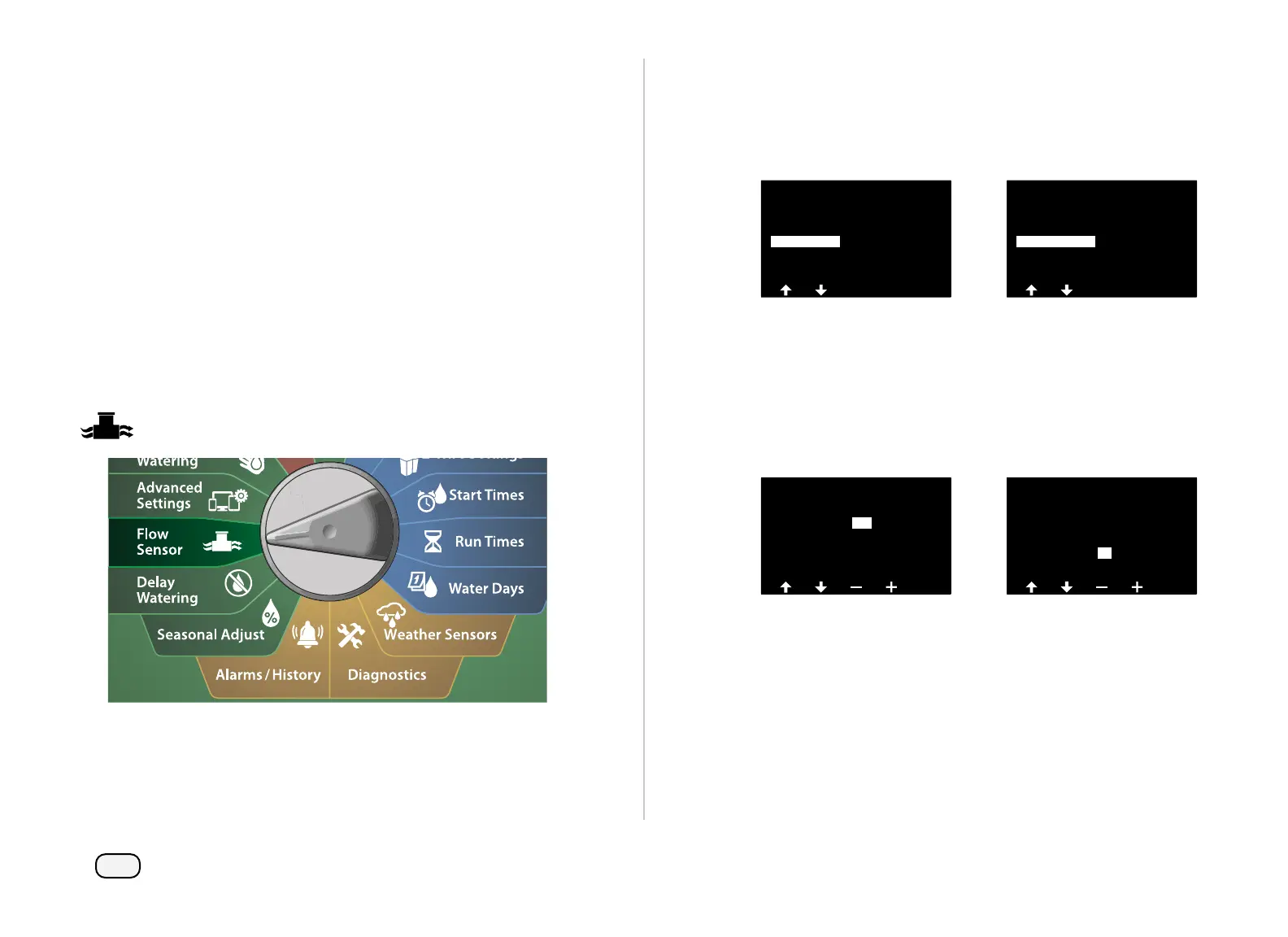
Turn the controller dial to Flow Sensor
At the FLOW SENSOR screen, press the Down Arrow key to select
Set FloWatch, then press Next.
At the FloWatch screen, press the Down Arrow key to select Set
Flow Limit, then press Next.
FLOW SENSOR
Current Flow Reading
Set Flow Units
Set FloWatch
Set FloManager
Set Flow Rates
FloWatch
Set Flow Actions
Set Flow Limits
FloWatch On/Off
At the High Flow Settings screen, press the + and – keys to set the
desired High Flow Threshold percentage (Max. 200%). Then press
the Down Arrow key.
Press the + and – keys to set the desired High Flow settling time
(Up to 10 minutes ), then press Next.
• Press and HOLD keys to accelerate settings.
High Flow Settings
Settling
Time
01 Mins
130 %High Flow
Threshold
High Flow Settings
Settling
Time
05 Mins05
130%High Flow
Threshold



 To Next Page
 Loading...










