68
ESP-LXIVM Series Controllers
Seasonal Adjust
Seasonal Adjust allows you to use the heaviest irrigation season as
a baseline so that lesser amounts of watering occur during those
seasons.
For example, you could set July at 100% and set October to 50% so
there would be half as much watering in Fall than in Summer. Sea-
sonal adjustments can be managed by month or by program.
NOTICE
Multiple Seasonal Adjustment settings affect each other
and can significantly impact irrigation. For example, if you
set a program-level Seasonal Adjustment of 10% and then a
monthly Seasonal Adjustment of 10% then irrigation will be
reduced to 1% of normal (10% of 10%). Consider using only
one type of Seasonal Adjustment setting.
Setting a small number for the Seasonal Adjustment per-
centage will greatly reduce watering and setting to 0% will
cancel irrigation entirely. Use caution when making Seasonal
Adjustment settings.
Individual Program
Seasonal Adjust can be set to adjust by individual program.
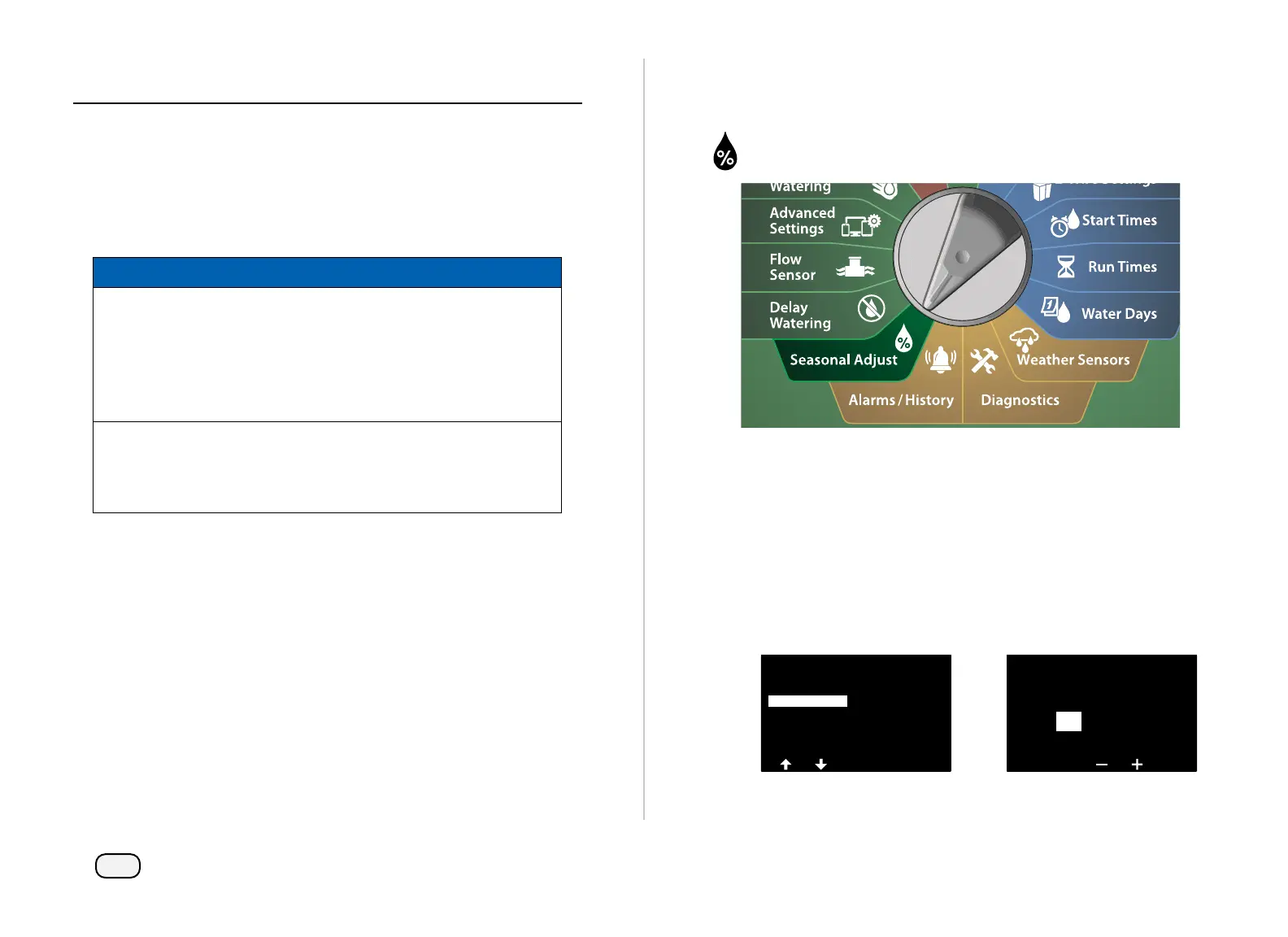
Turn the controller dial to Seasonal Adjust
At the SEASONAL ADJUST screen, with Individual Program
selected, press Next.
Press the + and – keys to set the seasonal adjustment percentage
(from 0 - 300% ).
• Press and HOLD keys to accelerate settings.
NOTE: If the desired program is not selected, press the Program
Select button to choose the desired program. See "Program
Select Button" on page 41 for more details.
SEASONAL ADJUST
Individual PGM
By Month
Seasonal Adjust
by Program
PGM 01
50
%



 To Next Page
 Loading...










