91
ESP-LXIVM Series Controllers
Recall Programs
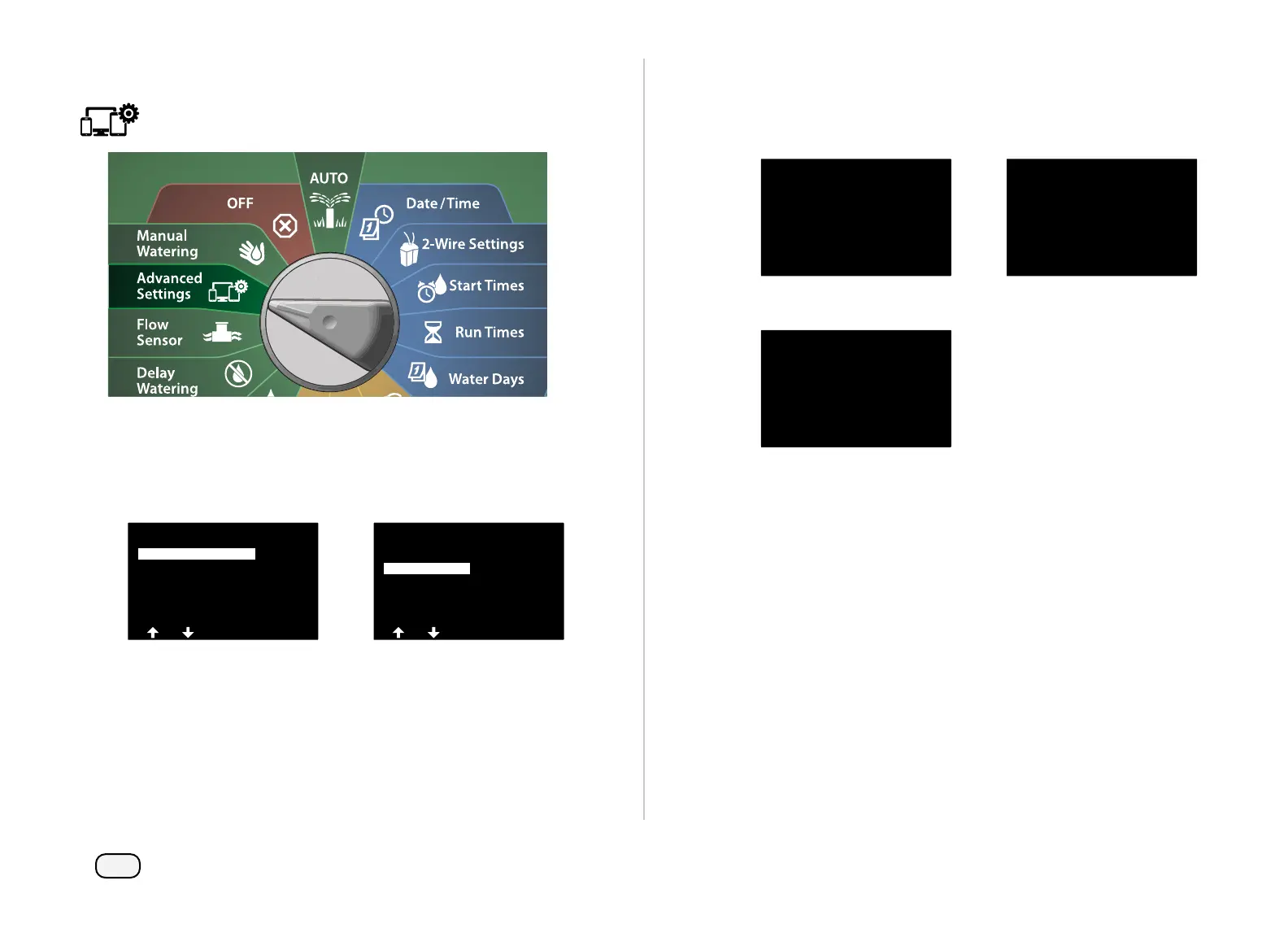
Turn the controller dial to Advanced Settings
At the IQ / ADVANCED screen, with Store/Recall Programs
selected, press Next.
At the Program Options screen, press the Down Arrow key to
select Recall Programs, then press Next.
IQ / ADVANCED
About this LX-IVM
Configure Cartridge
Factory Defaults
Store/Recall Programs
Program Options
Clear Programs
Delayed Recall
Recall Programs
Store Programs
At the confirmation screen, press and HOLD the Yes key for 4 sec-
onds to Recall All Programs. If you’re not sure, press No.
A confirmation screen shows the process is running.
Recall All Programs
Are you sure? Press and hold
Yes to proceed.
Recall All Programs
Recalling...
A confirmation screen shows the process is complete.
Recall All Programs
Programs Recalled



 To Next Page
 Loading...










