81
ESP-LXIVM Series Controllers
View FloZone Rates
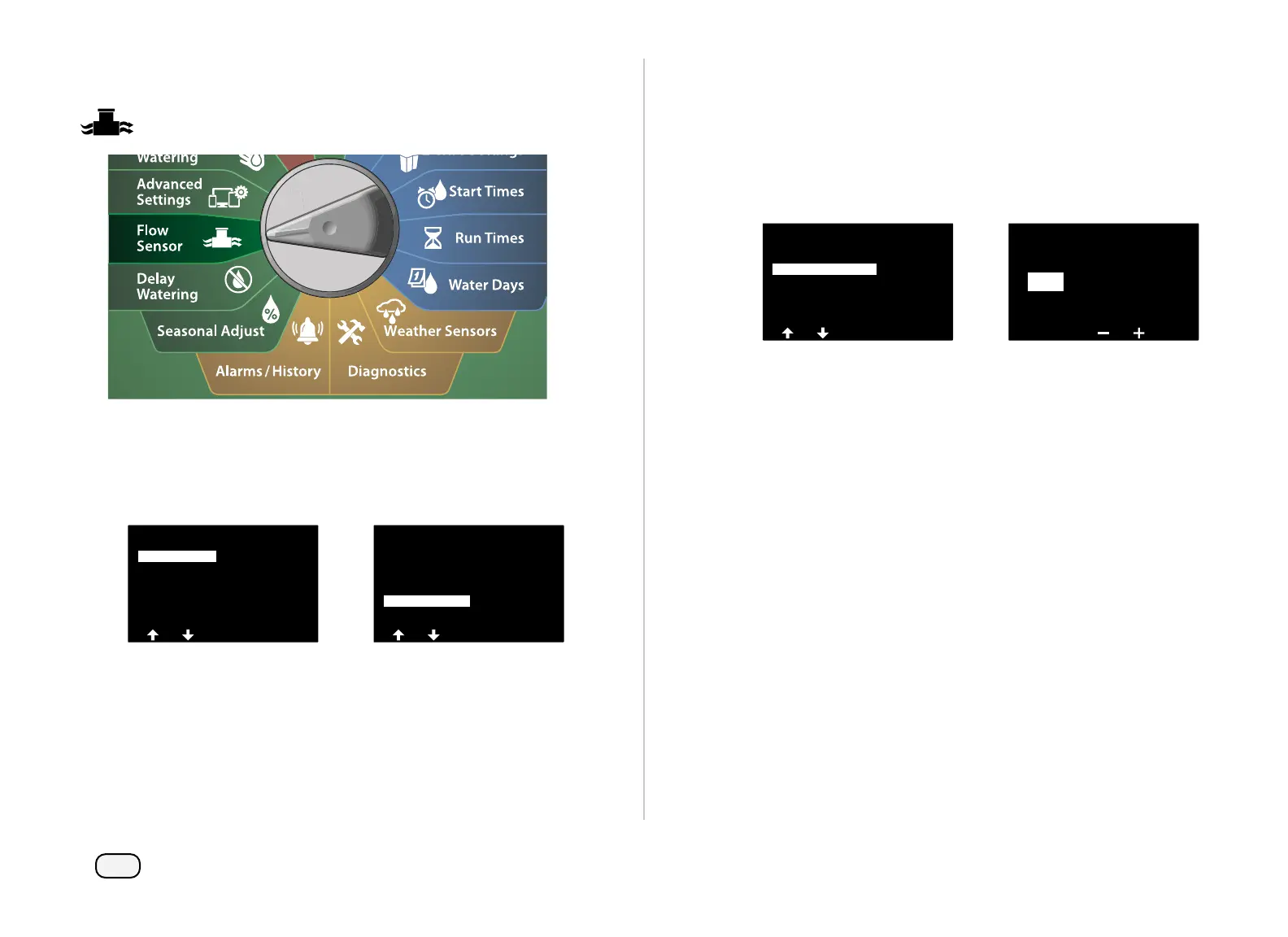
Turn the controller dial to Flow Sensor
At the FLOW SENSOR screen, with Set Flow Rates selected, press
Next.
At the Set Flow Rates screen, press the Down Arrow key to select
View Flow Rates, then press Next.
FLOW SENSOR
Current Flow Reading
Set Flow Units
Set FloWatch
Set FloManager
Set Flow Rates
Set Flow Rates
View Flow Rates
Clear Flow Rates
Set FloZone Rates
Set Station Rates
Learn Flow
At the View Flow Rates screen, press the Down Arrow key to
select View FloZone Rates, then press Next.
At the FloZone Flow Rates screen, press the + and – keys to select
the desired FloZone number. The MVs and sensors associated
with that flow zone are shown below it. The maximum flow rate
for that FloZone will show to the right.
View Flow Rates
View FloZone Rates
View Station Rates
FS(s) 1
MV(s) 1
View FloZone Rates
Max GPM
0000.0
FloZone
001



 To Next Page
 Loading...










