119
ESP-LXIVM Series Controllers
Client Satellite
At the IQNCC-RS Setup screen, press the + and – keys to select
Client satellite; then press Next.
A confirmation screen shows the address of the selected IQ
Satellite. Press Next.
IQNCC-RS Setup
Client Satellites
Connects to IQ and
Client
Satellite Type
IQNCC-RS Setup
Client Satellite
Address
001
[Range: 002 to 256]
At the Radio Port screen, press the + and – keys to select the
desired port option; then press Next.
At the CM Port screen, press the + and – keys to select the desired
port option; then press Next.
IQNCC-RS Setup
Radio Installed
Radio Port
Back
IQNCC-RS Setup
Module Installed
CM Port
Back
At the CM Port Termination screen, choose the ON and OFF
buttons; then press Next.
IQNCC-RS Stetup
Satellite is at end
of IQNet wire path
Only select ON if
ON
CM Port Termination
NCC Configurator
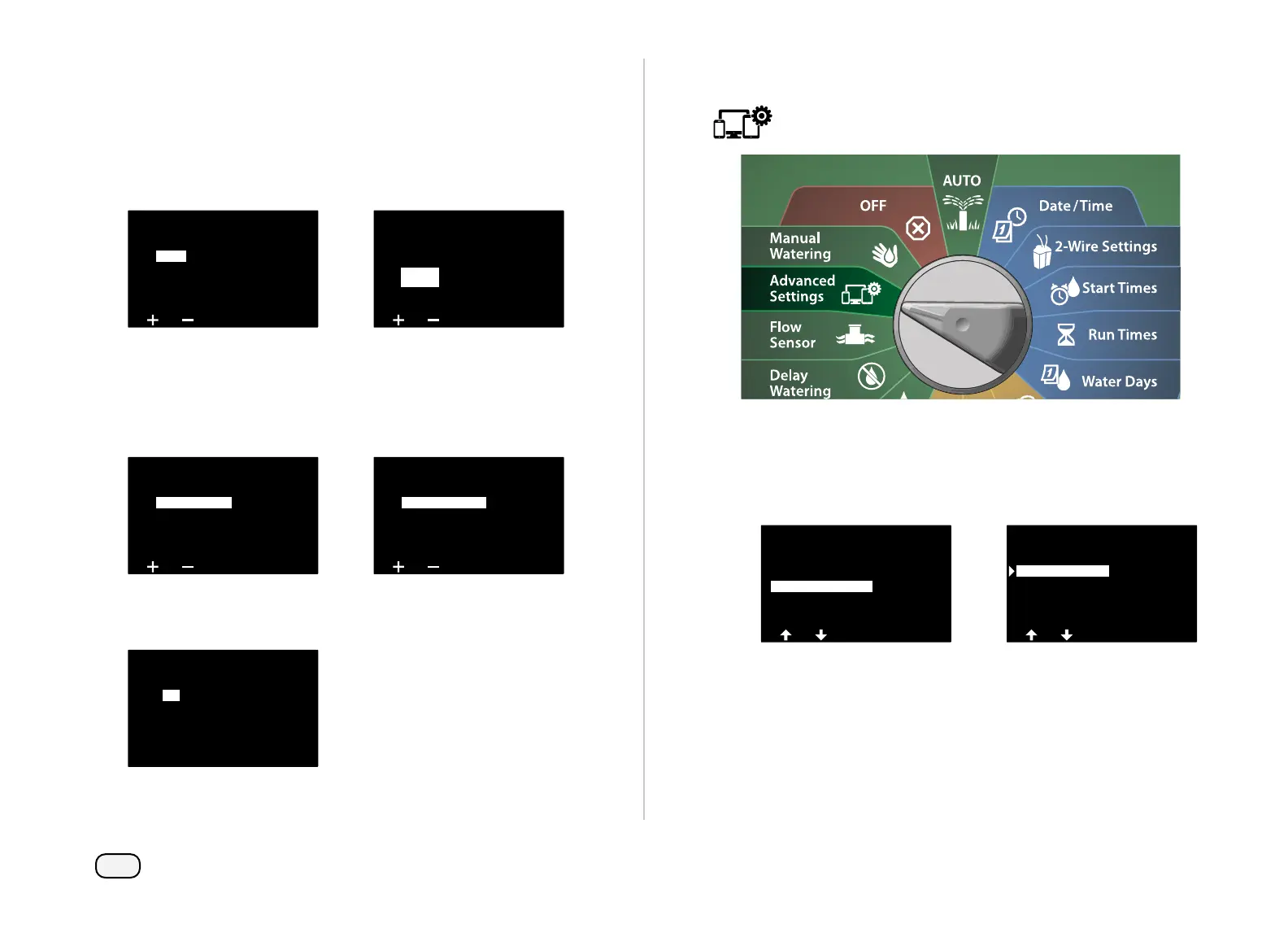
Turn the controller dial to Advanced Settings
At the IQ / ADVANCED screen, press the Down Arrow key to select
Configure Cartridge, then press Next.
At the IQNCC-RS Cartridge screen, press the Down Arrow key to
select NCC Configurator, then press Next.
IQ / ADVANCED
About this LX-IVM
Configure Cartridge
Factory Defaults
Store/Recall Programs
IQNCC-RS Cartidge
IQNet Alarms
Status
NCC Configurator
Setup Wizard



 To Next Page
 Loading...










