61
ESP-LXIVM Series Controllers
Review Weather Sensors
Review status of Weather Sensors.
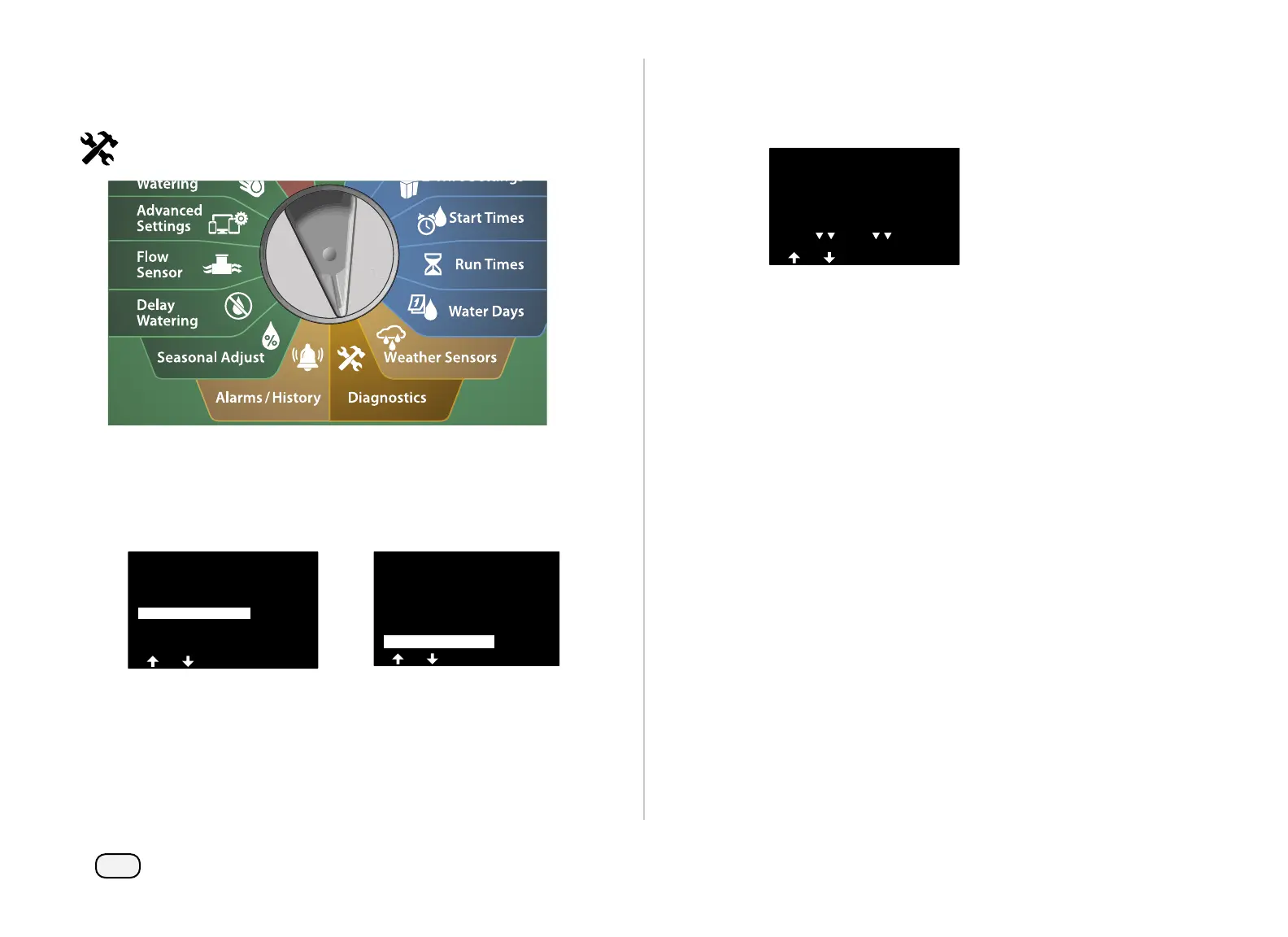
Turn the controller dial to Diagnostics
At the DIAGNOSTICS screen, press the Down Arrow key to select
Confirm Programming, then press Next.
At the CONFIRM PROGRAMS screen, press the Down Arrow key
to select Review Weather Sensors, then press Next.
DIAGNOSTICS
Test All Stations
Diagnostics
Confirm Programming
CONFIRM PROGRAMS
Review Programs
Next
Programs Run Times
Station Run Times
Review Master Valves
Review Wthr Sensors
The Weather Sensor Status screen appears, showing installed
weather sensors and their current status as either On or Off.
Press the Arrow keys to scroll the list.
Weather Sensors
WS1
LOCAL
WS2
ON
ON
ON
Sensor Status



 To Next Page
 Loading...










