29
ESP-LXIVM Series Controllers
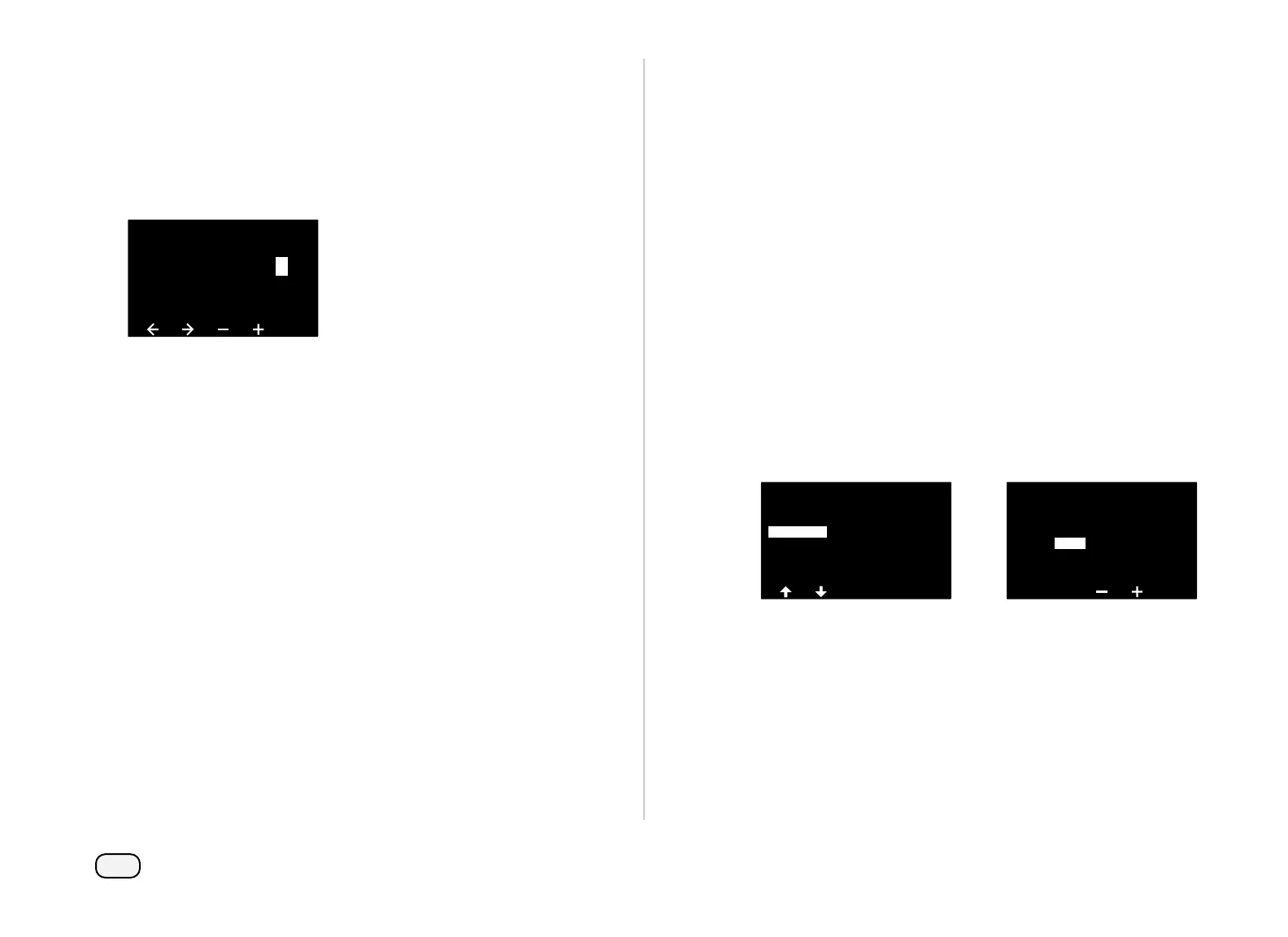
Press the + and – keys to set the desired Station Address. Press
the Arrow keys to navigate between the number setting fields.
Once all fields are entered, press the Next key.
NOTE: An alarm will show if a duplicate 2-Wire Device address
is entered for more than one sensor. See "Alarms" on page 21
for more details.
Station Setup
001
STA Address
1 0 0 0 11
Set Priority
Each station can be set to high, medium, low or Non-irrigation.
The controller will run all high priority stations first, then all medium
and finally all low priority, regardless of the station’s program set-
tings.
At the Station Setup screen, with Set Priority selected, press Next
to continue.
NOTE: Station Priorities are only used when Station Sequenc-
ing is set to Sequence by Station Priority. If you’re using the
default Sequence by Station Numbers, then skip the next
step by pressing Next.
Press the + and – keys to select the priority type. Each station can
be set to High, Medium, Low or Non-irrigation.
NOTE: Non-irrigation stations such as fountains and land-
scape lighting receive priority to always run, regardless of
weather conditions.
Station Setup
001
Set Priority
STA
FloZones
Weather Sensors
Station Setup
STA001
Priority:
High



 To Next Page
 Loading...










