90
ESP-LXIVM Series Controllers
Advanced Settings
Store/Recall Programs
The ESP-LXIVM controller comes standard with a simple to use
backup programs feature.
Backup Programs allows you to save your programs as Contrac-
tor Default and then recall them at a later time. It also includes a
Delayed Recall feature that lets you save a normal irrigation sched-
ule as the Backup and then restore it later automatically. This may
be useful for new seed or sod where frequent irrigation can be pro-
grammed to occur until a set date when Delayed Recall automati-
cally returns the controller programming to the normal irrigation
schedule.
NOTICE
The Backup Programs feature saves and restores ALL irriga-
tion programming in ALL programs.
Store Programs
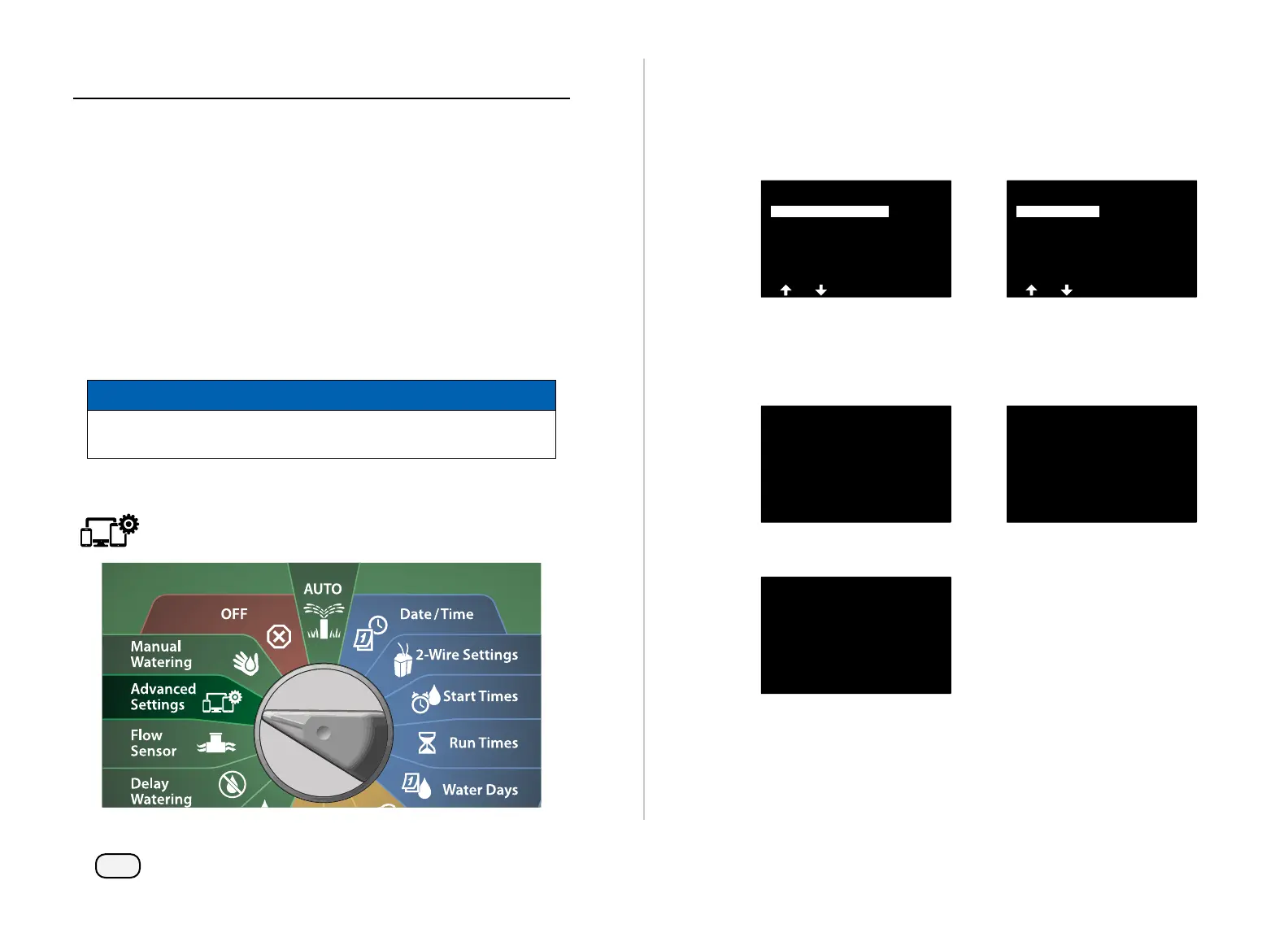
Turn the controller dial to Advanced Settings
At the IQ / ADVANCED screen, with Store/Recall Programs
selected, press Next.
At the Program Options screen, with Store Programs selected,
press Next.
IQ / ADVANCED
About this LX-IVM
Configure Cartridge
Factory Defaults
Store/Recall Programs
Program Options
Clear Programs
Delayed Recall
Recall Programs
Store Programs
At the confirmation screen, press and HOLD the Yes key for 4 sec-
onds to Store All Programs. If you’re not sure, press No.
A confirmation screen shows the process is running.
Store All Programs
Are you sure? Press and hold
Yes to proceed.
Store All Programs
Storing...
A confirmation screen shows the process is complete.
Store All Programs
Programs Stored



 To Next Page
 Loading...










