62
ESP-LXIVM Series Controllers
Alarms/History
Flow History
With FloWatch™ enabled, the controller will automatically track the
volume of water flowing through the system.
NOTE: This can be useful for checking your actual water con-
sumption against your water bill.
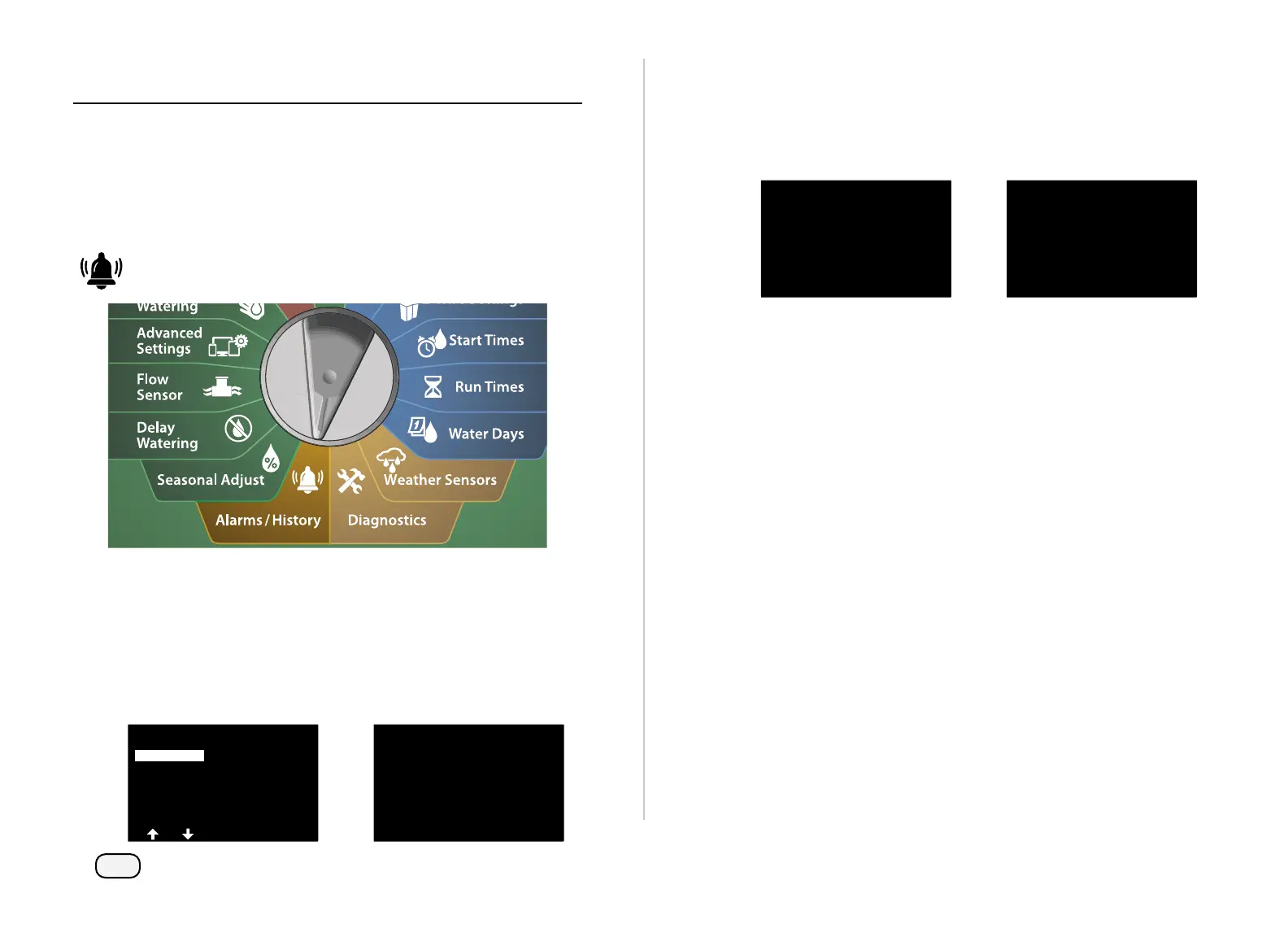
Turn the controller dial to Alarms/History
At the ALARMS AND HISTORY screen, with Flow History selected,
press Next.
The Flow History screen appears, showing month-to-date and
last month water consumption.
NOTE: Press the Days key to change the view to the last 30 days
and previous 30 days.
ALARMS AND HISTORY
Flow History
Flow Alarms
Electrical History
Flow History
This Month
3600
3567
Gal
Gal
Last Month
At the Clear Flow History confirmation screen, press the Yes key
to continue. If you're not sure, press the No key.
The confirmation screen appears, showing that Flow History has
been cleared.
Clear Flow History
Are you sure you want
to clear the history?
Flow History Has
Been Cleared
NOTE: Pressing Clear from either the monthly or daily screen
will clear BOTH monthly and daily flow log data.



 To Next Page
 Loading...










