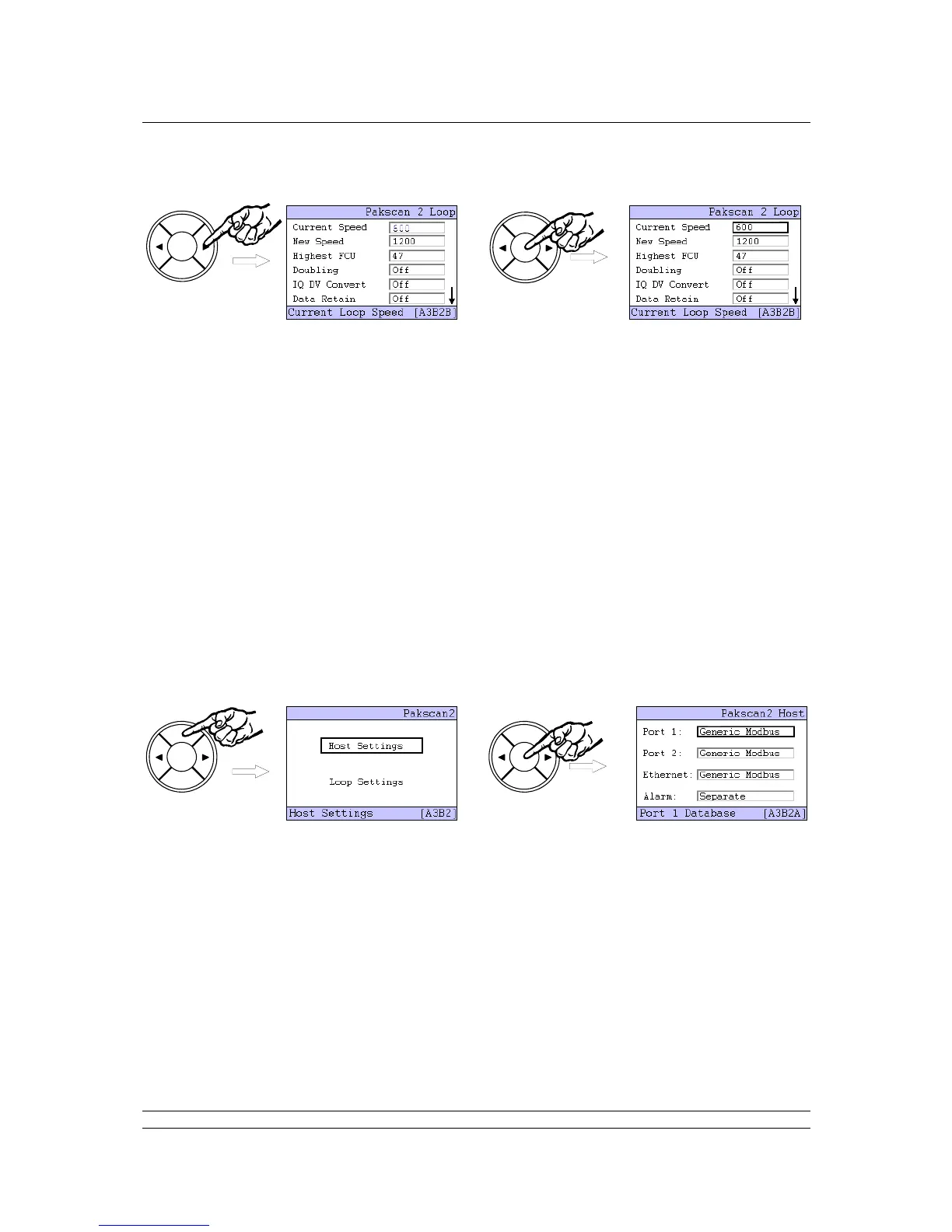
Use the arrow keys ( or ) to change the value shown until the desired figure appears, then press
ENTER and the new value will be set. The arrow keys can be used to navigate to other settings, and
the NEXT button goes to the Loop Test screen and Loop Reset function.
Set the loop performance parameters in accordance with the data recorded earlier. Make sure
the loop speed is compatible with the setting for the loop capacitance.
Set the highest field unit address parameter equal to the actual highest address.
Doubling can be set to ‘On’ if the loop performance is not fast enough. It has the effect of
halving the time to collect data from the field units. This feature will only operate if the loop is
functioning correctly with “loopbacks off”.
IQ DV Convert should be set to ‘On’ if analogue position control is being used on the IQ / IQT
actuators on the network.
Data Retain set to ‘Off’ clears all the field unit data if communication is lost. Some host
systems want the data to be retained, in which case set the parameter to ‘On’.
Once the parameters are all set, leave this part of the setting menu to ensure the new values are
loaded. Use the BACK button to return to the Host Settings page, and then ENTER to select the Host
Settings menu.
Make alterations to the host protocol settings and Alarm linkage, if required, in a similar manner to
altering the loop performance parameters described earlier. The PIN will need to be entered if no keys
are operated for approximately 5 minutes from the last PIN entry. Where the two serial ports are being
used by the same host system it is advisable to ‘Link’ the alarms so that both ports always report
exactly the same alarm data.



 To Next Page