Sam4POS Operators Manual v2.33 Advanced Operations • 105
Beginning a Check
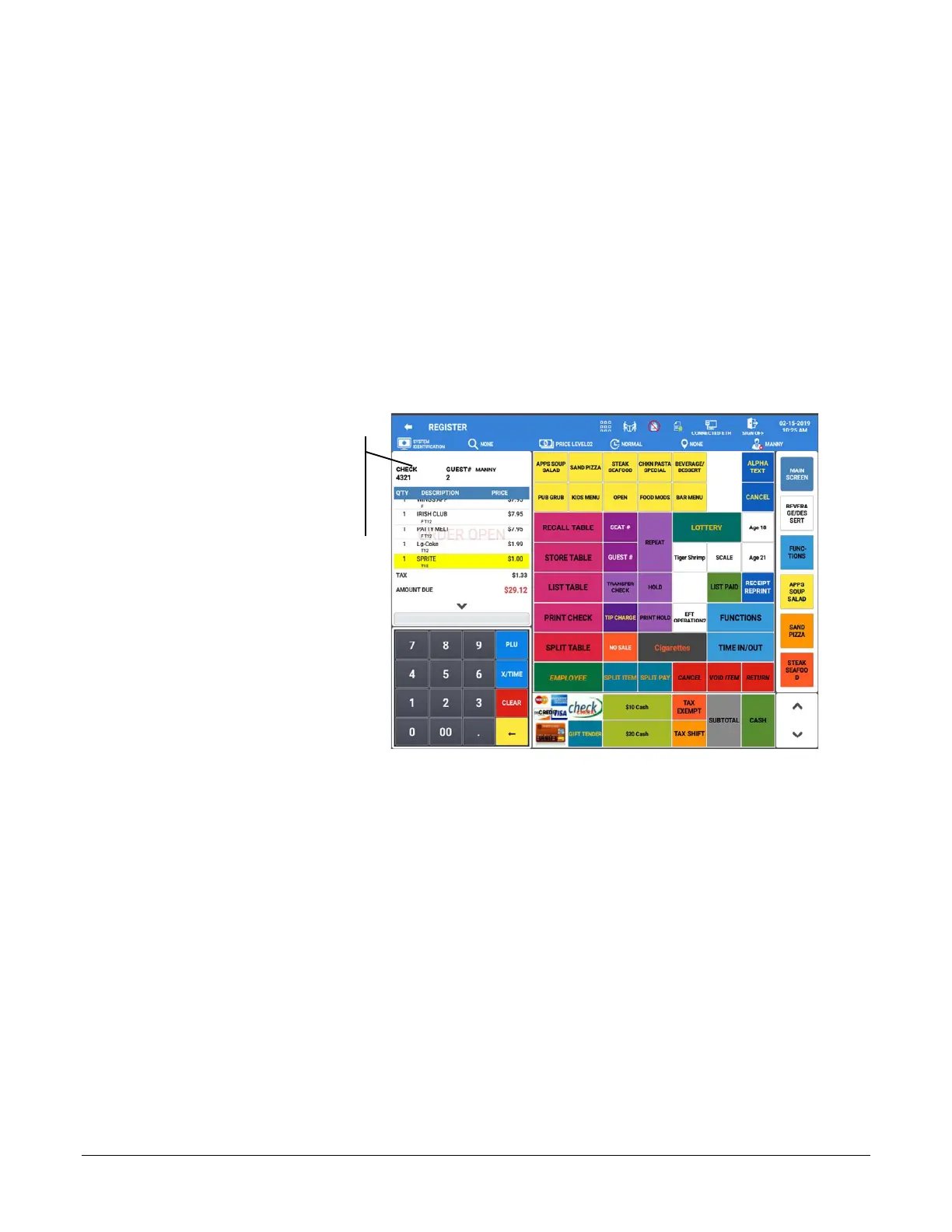
1. Depending on how your system is programmed, to begin a check:
a. Touch the RECALL TABLE key, if set to automatically assign a check number a new check will
be opened.
b. Touch the RECALL TABLE function key, enter the check number or customer name; press OK
to open the check.
c. Touch the RECALL TABLE function key, swipe the Mag Card to open the check.
2. If guest# entry is required, enter number of guests and touch the GUEST # key.
3. Enter the items ordered.
4. Press the Print Check key if you wish to print the check before storing. (The Print Check key can be set to
automatically service the check.)
5. Touch the STORE Table function.
The check #, guest
count and employee
associated with the
check are displayed.



 To Next Page