112
•
Advanced Operations Sam4POS Operators Manual v2.33
10. Press CLOSE to return to the main
sales screen.
Split Check for Payment
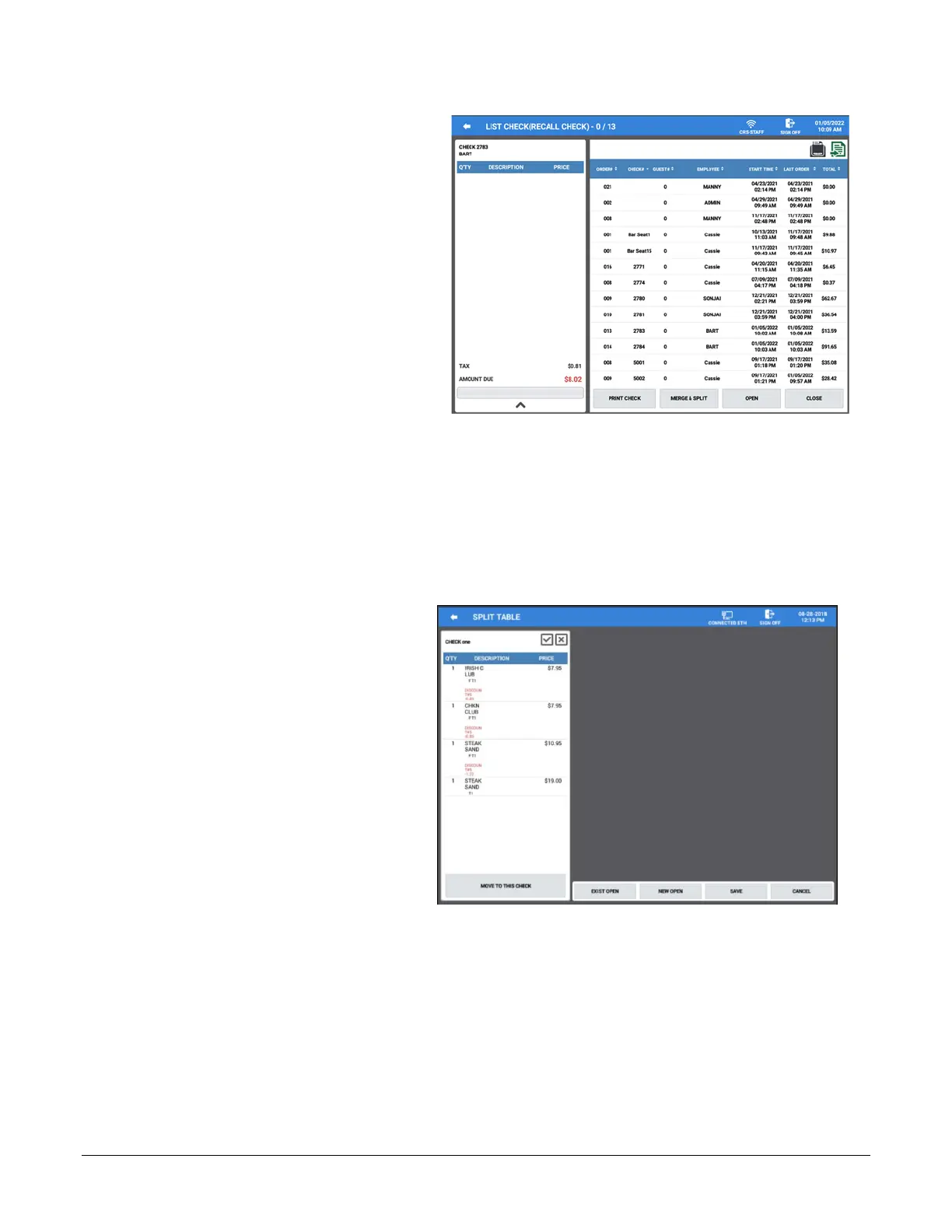
The Split Table function key allows you to select an item or items on a soft check for assignment to another check.
The List Check key also allows you to select a check and split items off to a separate check. You can choose to
split items off to a new check or to an existing active check in the system.
1. From the Register Mode,
Recall\Open an existing guest check,
then Touch the SPLIT TABLE
function key;
Alternately, you can use the List
Table button to view and select an
open table, then press the MERGE
& SPLIT button. The Split Table
dialog is displayed:



 To Next Page