232 • Program Maintenance Sam4POS Operators Manual v2.33
Copy to Existing Items
Allows you to copy the settings or changes of the selected item to another PLU or multiple PLU’s already in the
PLU database. The descriptor does not change, only the options/settings are updated.
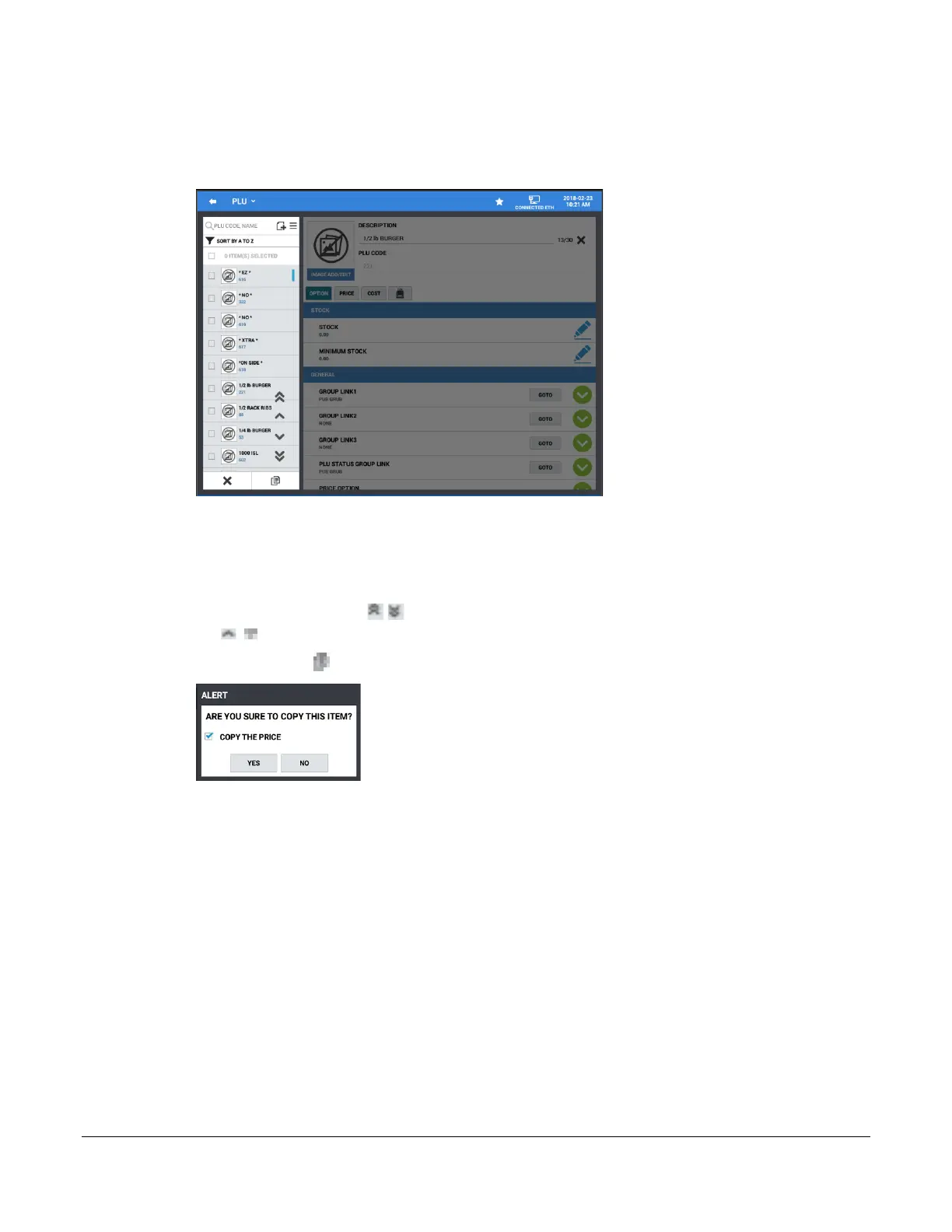
1. From the PLU programming screen, select the item you wish to copy.
2. Press and Hold the item to open the PLU edit menu selection dialog. Select COPY TO EXISTING
ITEMS.
3. Check the items from the list to copy the selected PLU to.
4. The double Up/Down Arrows go to the Beginning/End of the list respectively; the single Up/Down
Arrows scroll Up/Down one page at a time. The X will exit the procedure.
5. Press the copy – icon the confirmation dialog displays:
6. Check or uncheck the ‘COPY THE PRICE’ selection as desired.
7. Press YES to proceed with the copy procedure; all options, prices, will be copied to the selected items.
The COST information is not copied. Press NO to exit the copy and return to the main PLU screen.



 To Next Page