160 • Report Mode Sam4POS Operators Manual v2.33
Summary Reports
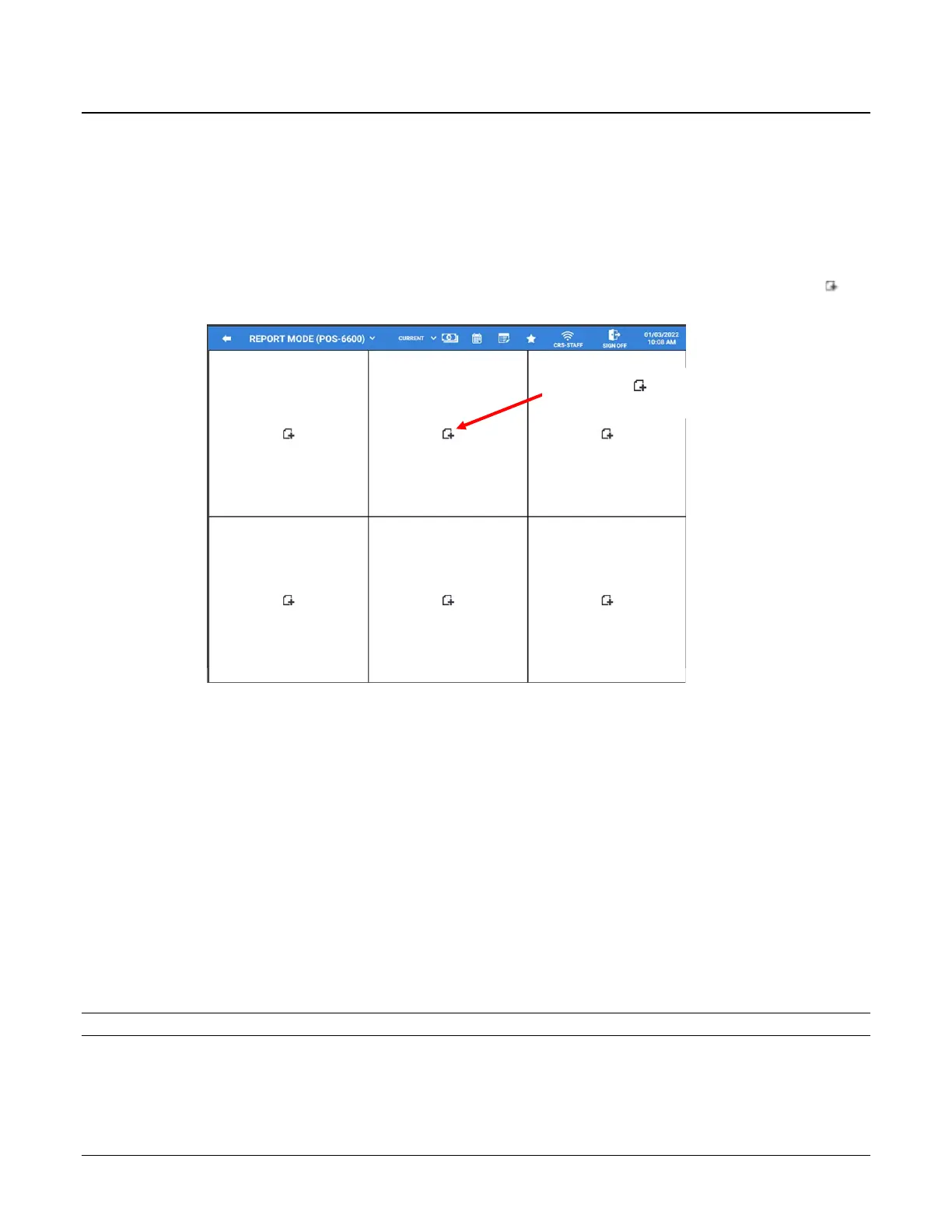
When the Report Mode is selected, the default screen displays a grid of six quick view summary reports for
managers to quickly see selected report information. Specific data can be chosen to display on the summary report
grid. The Quick View Summary Reports allow you to view selected report information without having to first run
and print the report. Report information displayed in the summary reports cannot be printed.
Adding Reports to the Quick View
To add or edit the summary reports that are shown on the report mode quick view display, touch the add
record icon in any one of the six grids to select from the list of available reports.
Touch the add record icon
to add a report to the window.
The available quick view Summary Report Items include:
o Current Sales Status (Graph)
o List Check
o Top 10 – Best Sales PLU
o Top 10 – Best Sales Group
o Top 10 – Best Employee
o Sales Comparison – Previous Day
o Sales By Time Period
o Time In Employee
o Time In/Out Employee
o Current Sales Status (Text)
o TIP Report By Employee
Note: Reports that have already been assigned to a cell will no longer appear in the list.
Select the report from the list that you want to appear in the selected cell on the quick view screen.
When you have added your report selections, they will appear on the quick view screen.



 To Next Page