126 • Advanced Operations Sam4POS Operators Manual v2.33
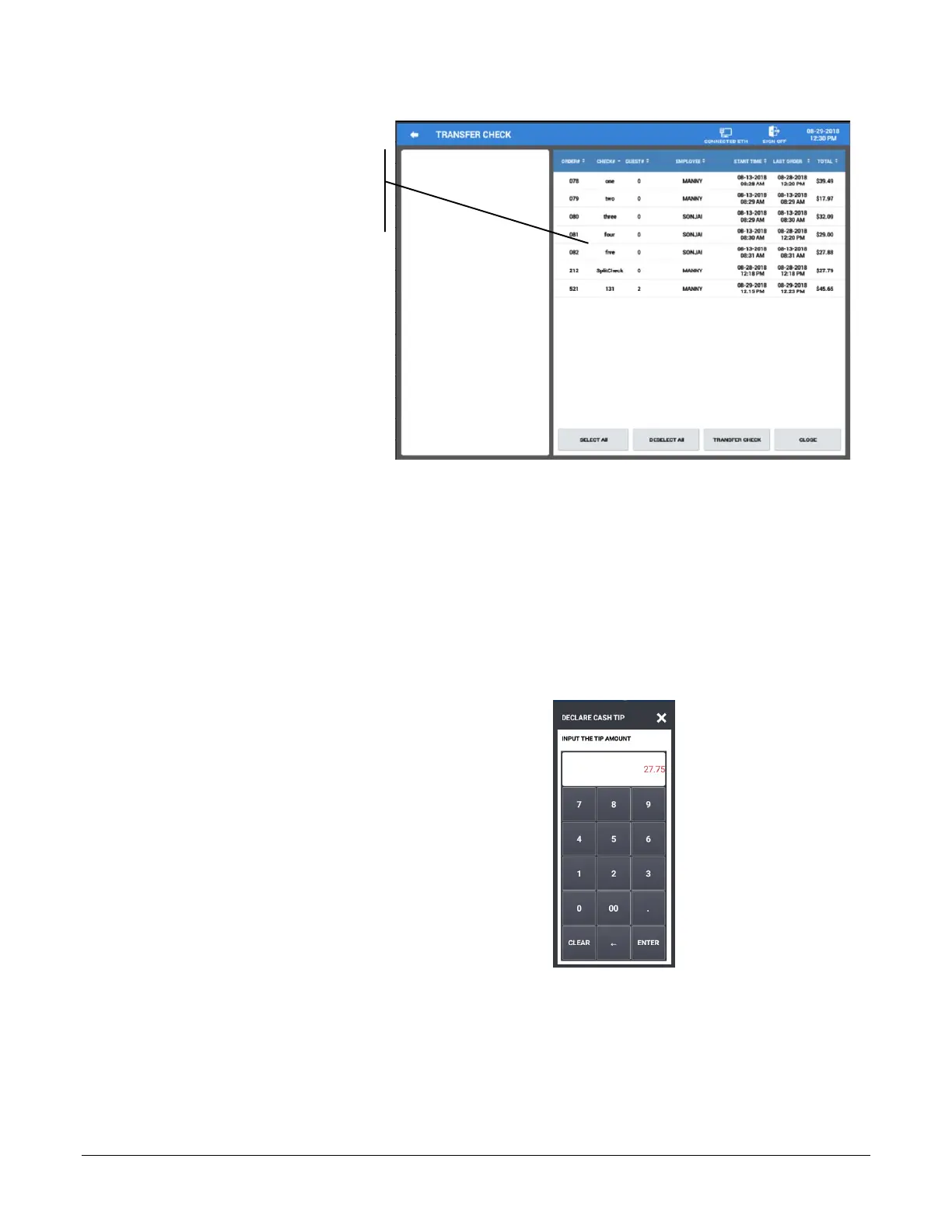
Checks three, four and five
are transferred to Sonjai
5. The selected checks are transferred to the employee you selected.
Tip Declare
If the employee time keeping feature is used, the operator may be prompted to enter Tips when clocking out.
(Check the employee authority level option “Compulsory Tip Entry”.) The Time In/Out operation can be
performed from the Register Mode or you may have the option set to display the Time In/Out on the sign on
screen.
1. Sign on the employee if using the Time In/Out
function in the register mode.
2. Clock out the employee, the Declare Cash Tip
window displays.
3. Enter the declared tip amount and touch ENTER.



 To Next Page