120 • Advanced Operations Sam4POS Operators Manual v2.33
Changing the Seat # on a Previously Entered Item
If you need to change the current seat# assignment on an item:
1. Touch the item you wish to change the seat#
assignment on.
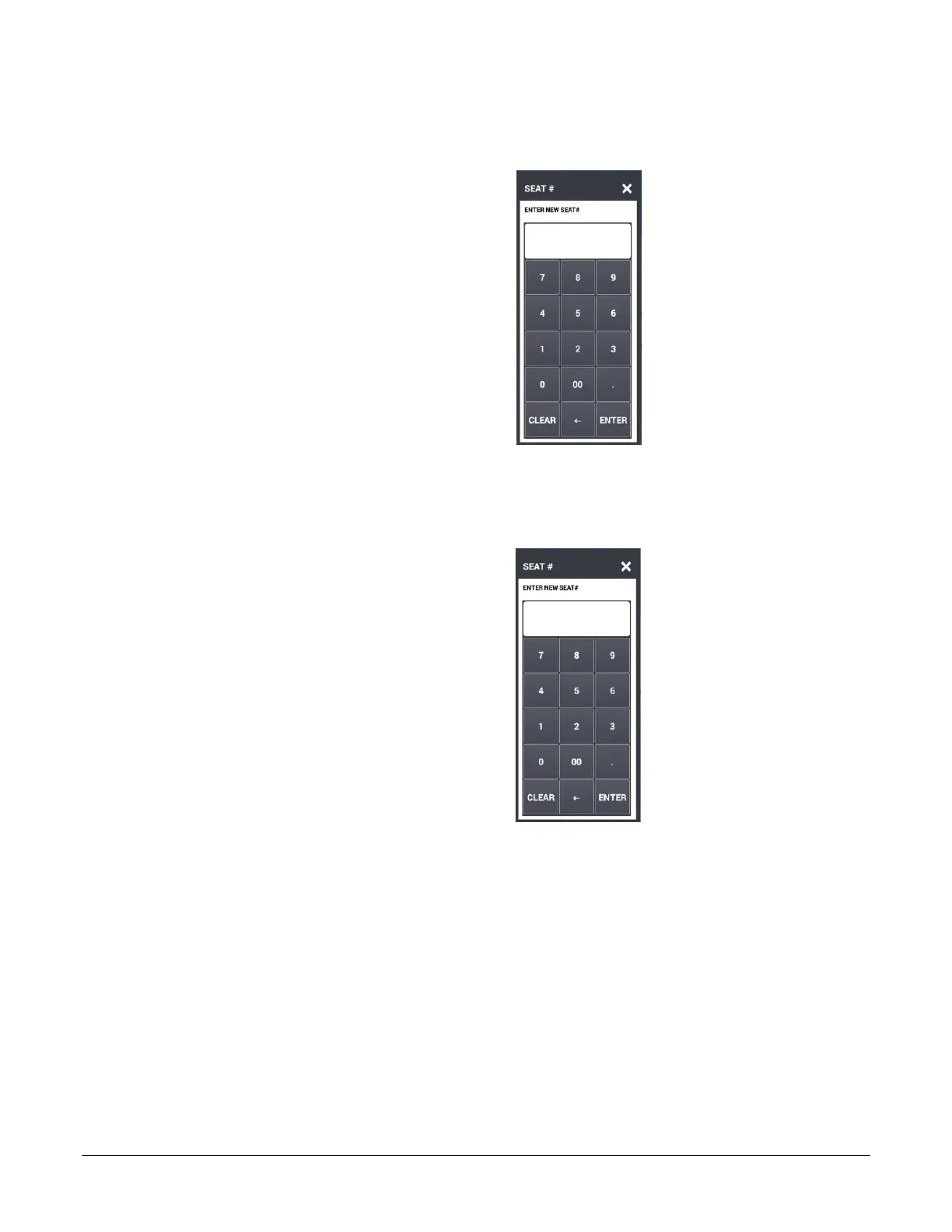
2. Touch SEAT #. The Enter New Seat # entry
dialog displays.
3. Enter a new seat number (up to 2-digits) and
press ENTER.
Optional Seat # Entry
When seat # is not compulsory:
1. Touch the item you wish to assign a seat #.
2. Touch SEAT #. The ‘Enter New Seat#’
dialog displays.
3. Enter a seat number (up to 2-digits) and press
ENTER.



 To Next Page