56 • Basic Operations Sam4POS Operators Manual v2.33
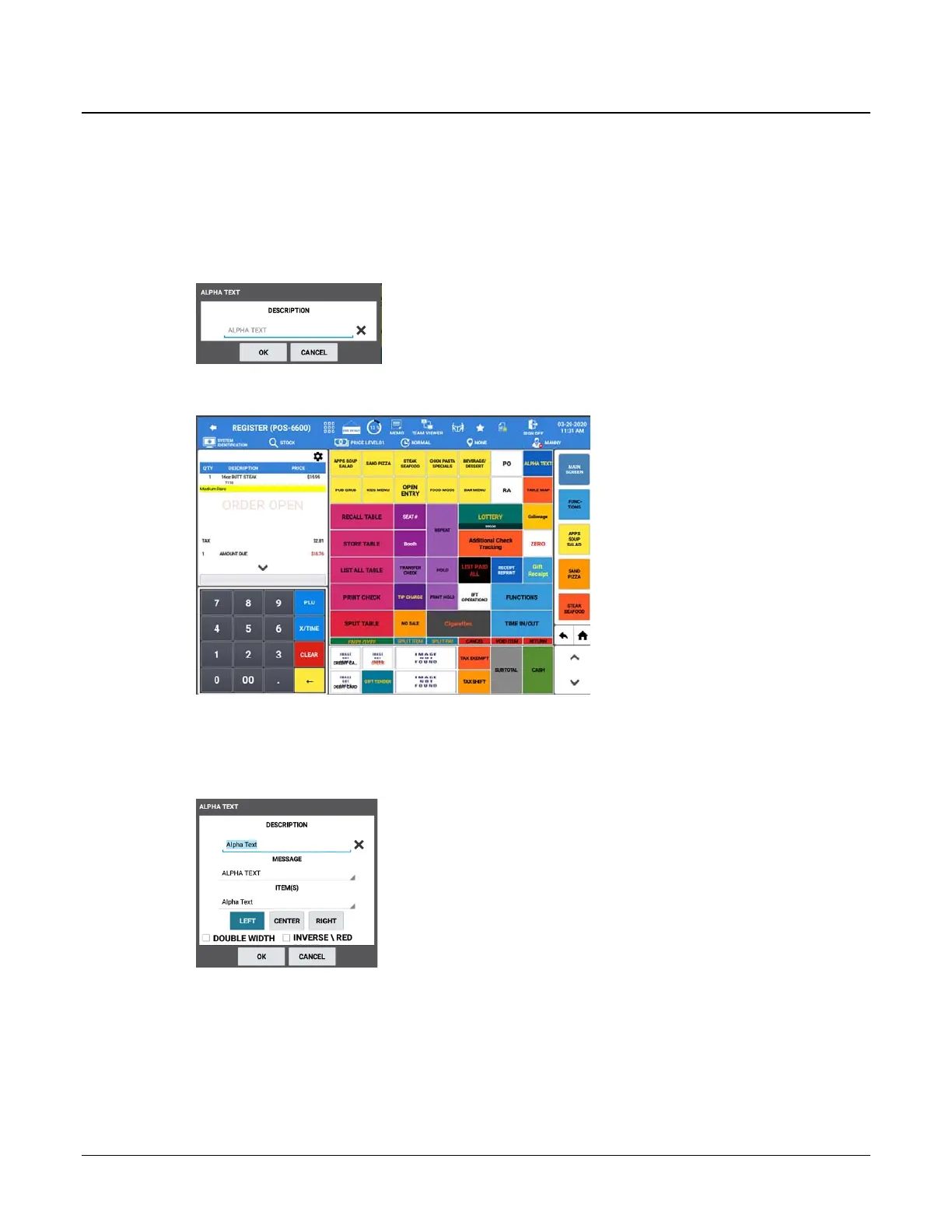
Alpha Text
The Alpha Text key can be used to type a customer name or special instruction message that will be associated
with an order (soft check) or with an item in a sale. Depending on the option setting “Use Alpha Text Descriptor”
the Alpha Text key will operate in one of two ways.
Use Alpha Text Descriptor – Is Checked
1. Register an item, then press the ALPHA TEXT key, the Alpha Text dialog displays:
2. Type a custom Alpha Text message (up to 40 characters) in the DESCRIPTION field (top line) the using
the alpha keyboard overlay; Press OK. The message is displayed and will be printed with the order.
Use Alpha Text Descriptor - Unchecked
1. Register an item, then press the ALPHA TEXT key, the Alpha Text dialog displays:
2. Type a custom Alpha Text message (up to 40 characters) in the DESCRIPTION field (top line) the using
the alpha keyboard overlay.
3. Select the position where you want the message to appear on the receipt.
4. You can select to have the message print DOUBLE WIDTH and/or INVERSE \ RED (on thermal paper
the message will print in in reverse print, black background/white text).



 To Next Page